
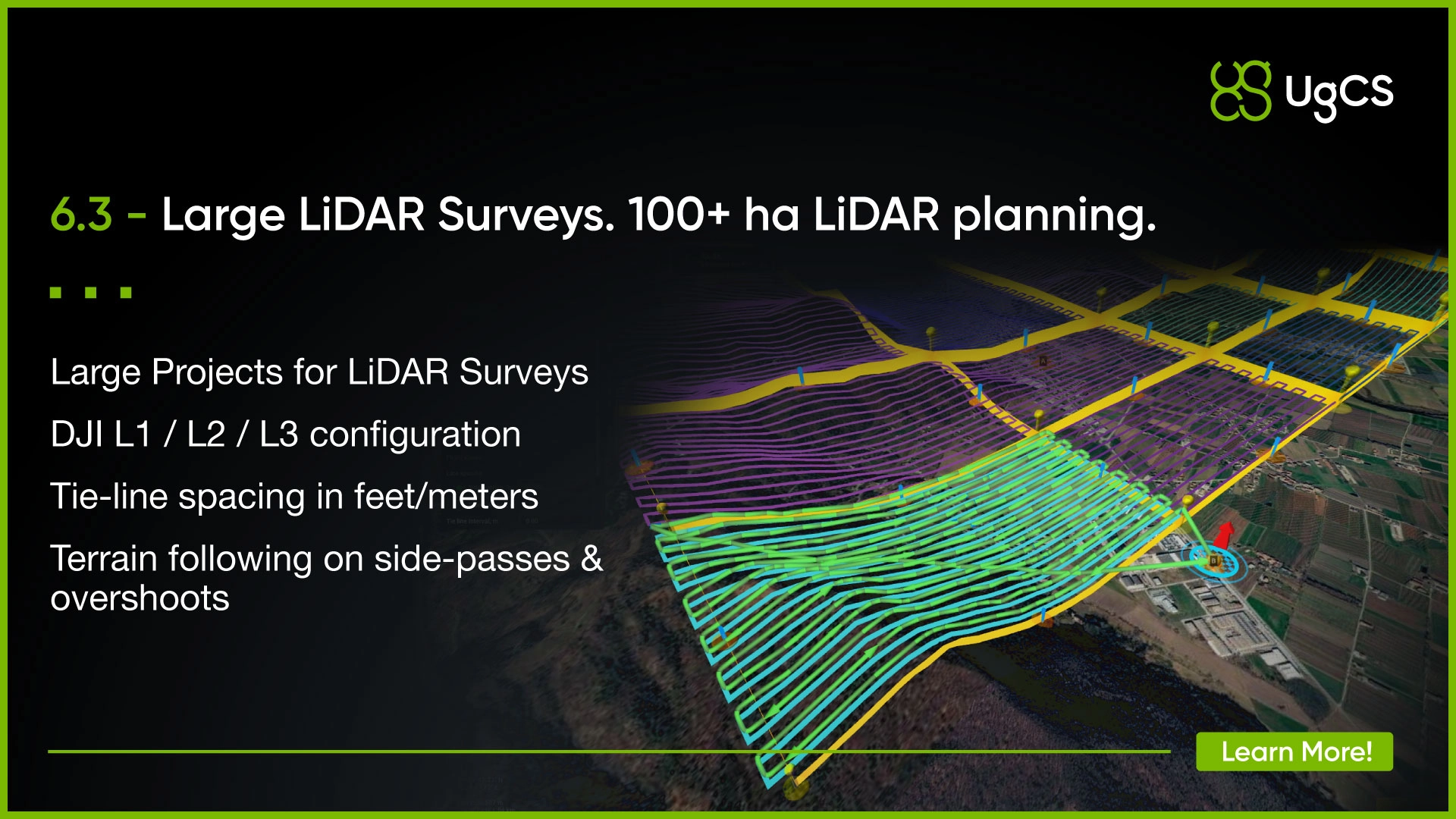
UgCS 6.3 brings LiDAR support to Large Projects, letting survey teams plan an entire large-scale LiDAR campaign, split it into practical flight blocks, and keep the project structure, terrain logic and sensor setup together.
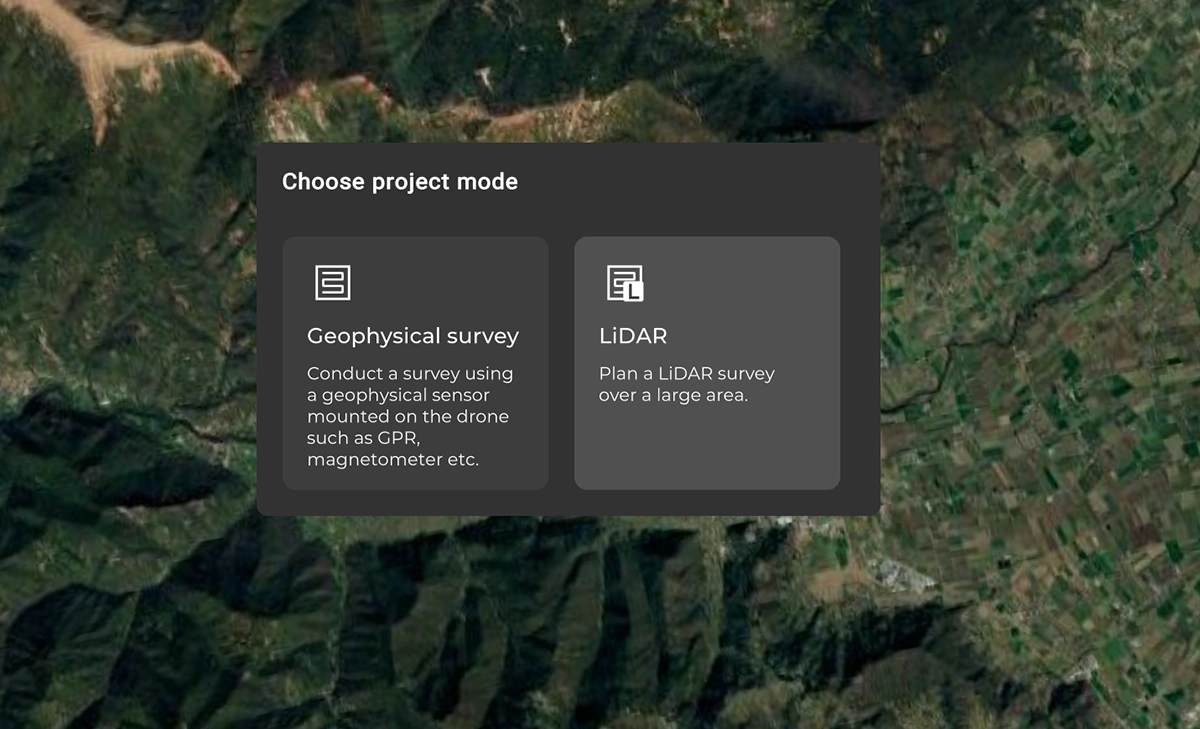
For teams flying large areas with DJI L3, L2, L1, as well as other LiDAR systems (UgCS supports most LiDAR cameras), this is one of the biggest changes to UgCS this year.
Plan the whole LiDAR survey as one project
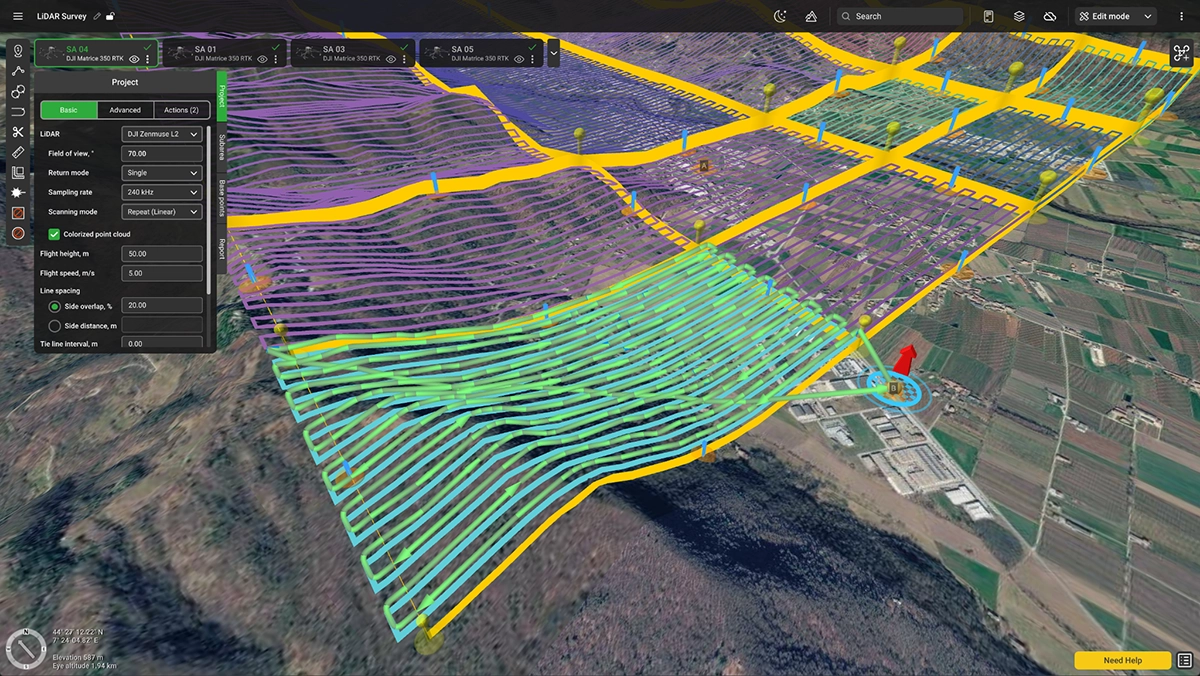
When creating a Large Project, you can now choose between LiDAR and Geophysical survey types.
LiDAR Large Projects use the same planning logic as the existing LiDAR Area tool, but extend it across large, multi-flight jobs.
- Define the full survey area once.
- Set the project parameters, including IMU calibrations and LiDAR sensor
- Split it into subareas your crews can actually fly.
Then work through the project flight by flight without rebuilding each survey block separately.
Side passes and overshoots can now follow terrain
Terrain following also gets a significant upgrade in 6.3.
Previously, the main survey lines followed terrain, while side passes and overshoots used a simpler battery-saving trajectory.
Before:
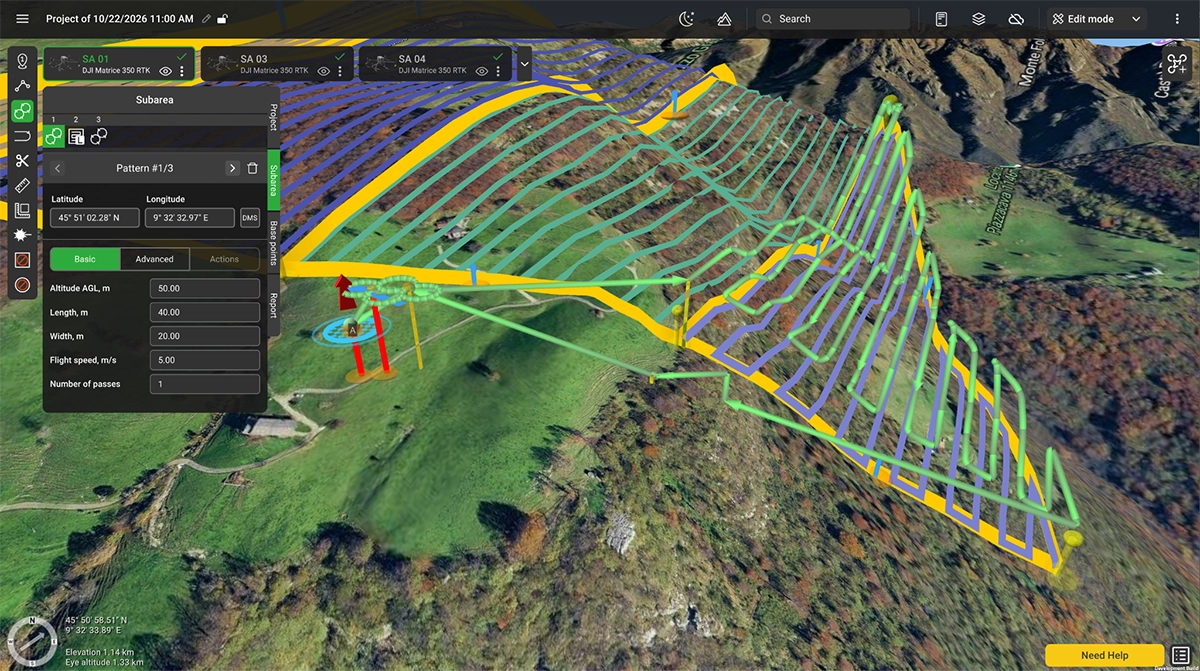
After:
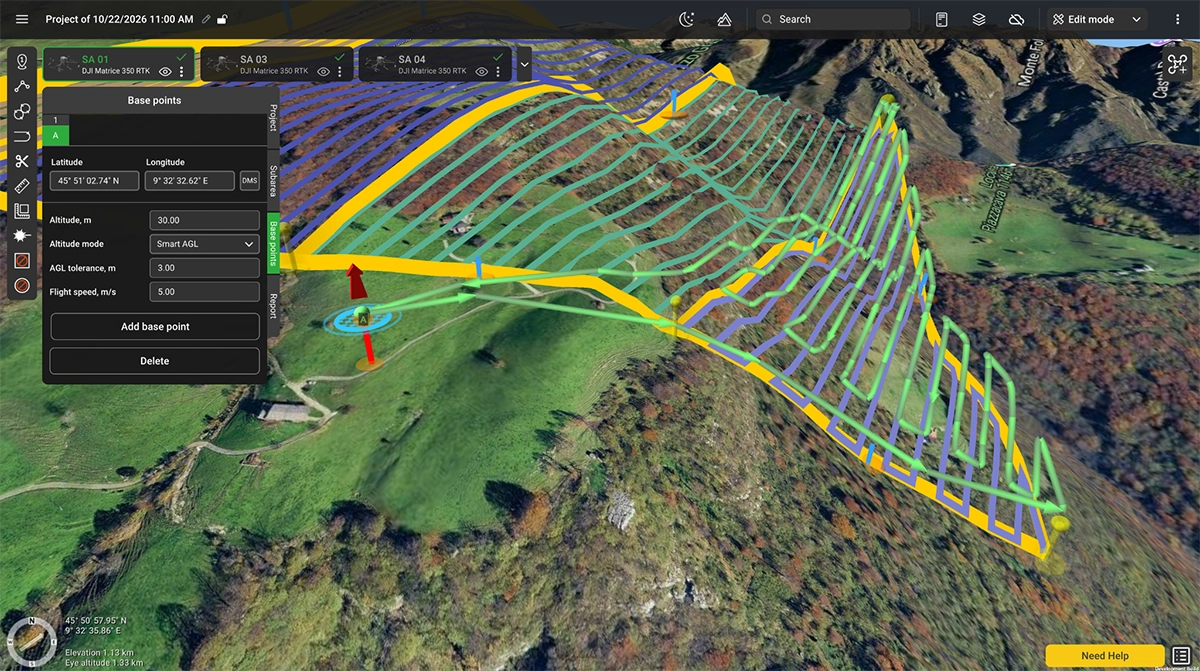
Now AGL survey segments, including Large Project subareas, can use Follow terrain on side passes.
Turn it on and side passes and overshoots follow the terrain as well.
This is especially relevant for low-altitude surveys over hilly or mountainous sites, where terrain does not suddenly stop mattering at the end of a survey line.
If you prefer the existing battery-saving trajectory, you can still leave the option off.
Every subarea can now have a return point
Large survey jobs are rarely flown from one position.
UgCS 6.3 lets you assign not only a takeoff point but also a return point to each subarea.
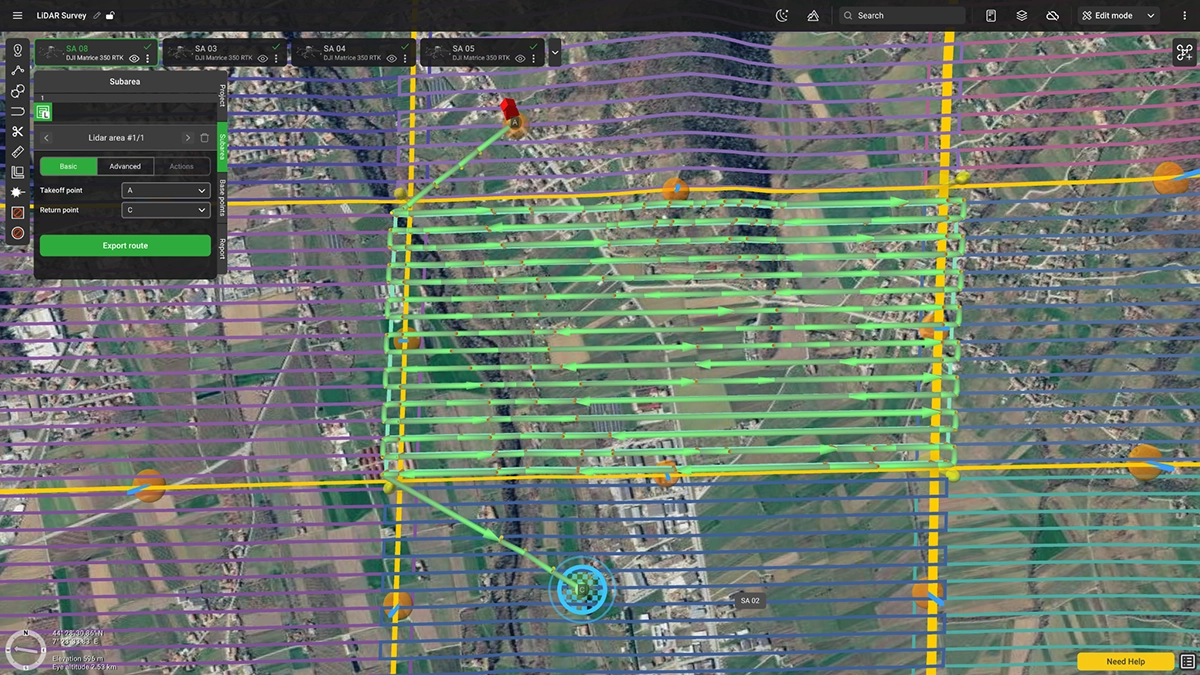
The route ends with a planned path from the final survey waypoint to that return location.
You can create a dedicated return point or reuse an existing take-off point.
For multi-flight and multi-day projects, that gives you more control over how each individual flight finishes.
Splitting large projects is easier
The Cut tool has also been improved.
The panel now walks users through the process step by step and clearly explains how to use Shift to align cut lines with survey lines or tie lines.
The aim is straightforward: spend less time figuring out how to divide the project and more time planning the actual survey.
Tie-line spacing is now easier to set
Large Projects also changes how tie lines are configured for geophysical surveys.
Instead of setting the tie-line interval as a multiple of the survey line spacing, you can now enter the interval directly as a distance in your selected measurement units.
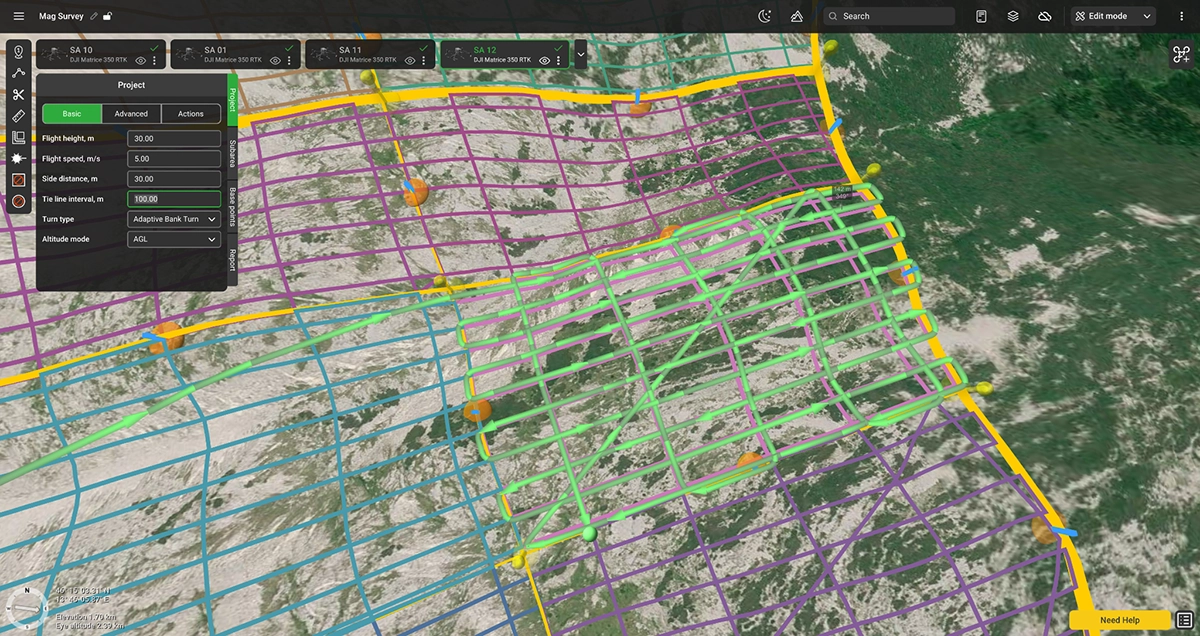
The setting has also moved to the Basic tab under Side distance.
Leave it empty or set it to 0 if you do not want tie lines.
That makes the setup much more straightforward: if you want a tie line every 200 m, enter 200 m.
UgCS will tell you when the project is getting too big
If you create an Area Scan or LiDAR Area larger than 50 ha, UgCS now suggests converting it to a Large Project.
Because once a job reaches that scale, treating it as one giant route usually stops being the best way to plan it.
Large Projects are built specifically for that problem.
A few more useful changes
UgCS 6.3 also changes several defaults and checks:
- Area surveying segments now use AGL altitude mode by default
- the default LiDAR field of view is now 70°
- the LiDAR parameter is now labelled Field of view, °
- Rangefinder compatibility is checked during route processing, so unsupported licenses are flagged before upload or export
- tie-line interval in Large Projects is now set as a distance, rather than as a multiple of side distance
- route selection visibility has been fixed so the selected route is easier to identify
One project. However many LiDAR flights it takes.
That is the main change in UgCS 6.3.
Large LiDAR jobs no longer need to be treated as a collection of separate missions.
Plan the full site.
Split it into practical flights.
Keep the LiDAR setup, calibration and terrain logic inside one project.