
UgCS for Academic Research
The flight planning software behind peer-reviewed, drone-based research and studies at 300+ universities worldwide.
See why the world's top universities and researchers choose UgCS drone mission planning software for their fieldwork and data collection. Get survey-grade data in the first flight, with industry-leading onboarding & customer support.
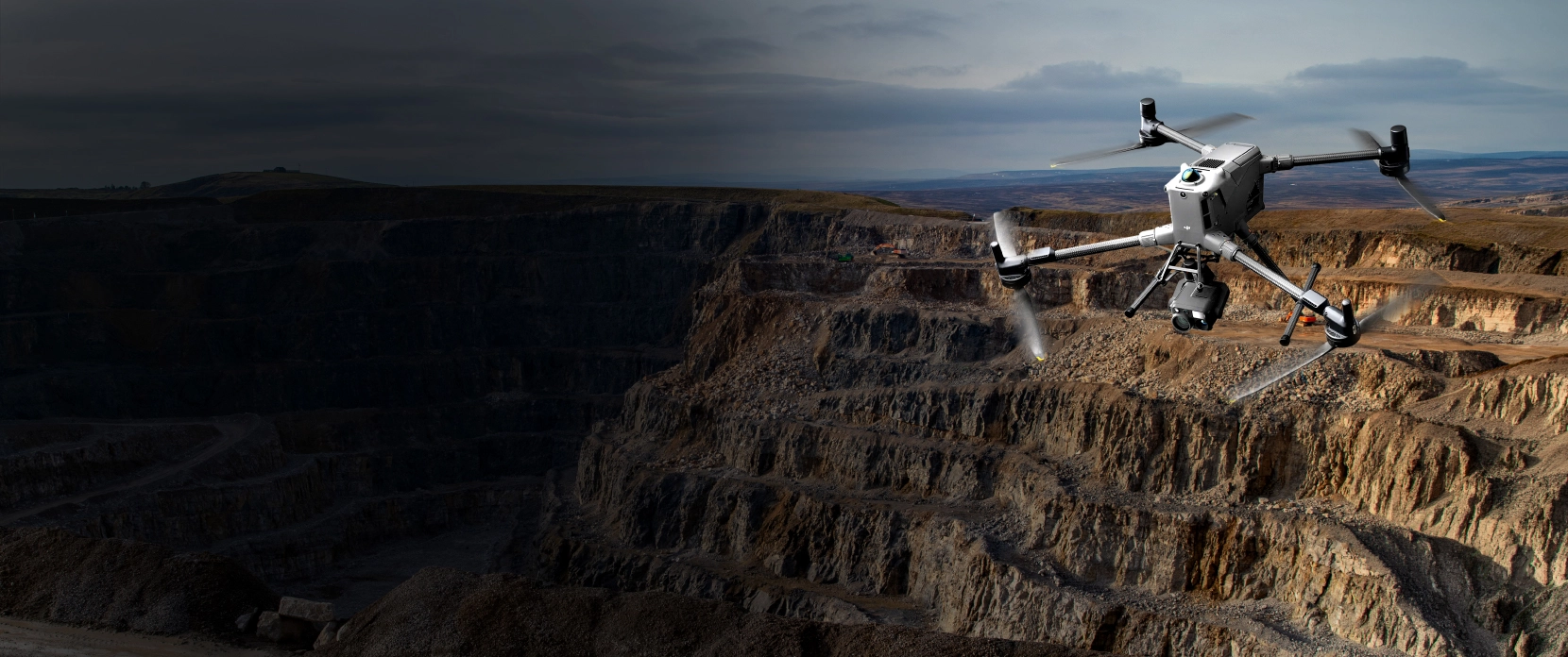



Drone research applications enabled by UgCS

Forestry and precision agriculture
Drone-based canopy structure, crop health, yield estimation. Terrain following keeps GSD consistent across sloped or irregular fields. UgCS Circlegrammetry captures dense vertical vegetation that standard photogrammetry grid patterns miss.
Glaciology and cryosphere research
Ice thickness, internal stratigraphy, and melt monitoring using drone-mounted GPR. UgCS terrain following holds the sensor at the precise low altitude drone-mounted ground penetrating radar (GPR) requires, even over uneven glacier surfaces.
Drone bathymetric mapping with echo sounder
Shallow water bathymetric surveys using drone-mounted echo sounder. Reaches areas boats can't, including sub-1m water and obstacle-filled waterways. Useful for sediment monitoring, flood modeling, and post-storm assessment.
Environmental monitoring with drone photogrammetry
Rock face stability mapping, landslide subsidence, coastal erosion. UgCS vertical photogrammetry handles steep and overhanging surfaces where standard grid flights can't get the geometry right.
Drone surveys for wildlife and conservation
Species detection, habitat mapping, population monitoring. Repeatable missions re-fly identical routes across seasons or years, so changes in the data reflect biology, not flight path variation.
Geophysics and aeromagnetic drone surveys
Magnetometry, GPR, and gamma-ray spectrometry over large, complex terrain. UgCS imports external DEMs and holds the altitude the sensor physics require across every survey line.
- Precision agriculture and crop monitoring
- Glaciology and cryosphere research
- Endangered species and conservation monitoring
- Archaeology and cultural heritage mapping
- Geology and subsurface imaging (GPR)
- Geophysics and aeromagnetic surveys
- Methane and environmental gas detection
- Hyperspectral imaging and remote sensing
- Forestry and canopy analysis
- Coastal and geomorphological change
- Search and rescue methodology research
- Structural engineering and infrastructure monitoring
Why Researchers Choose UgCS for Drone Mission Planning
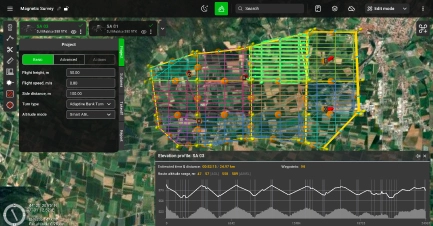
Multi-year repeatability
Every mission parameter saves. Re-fly the exact same route months or years later. Critical for longitudinal studies where comparison across seasons depends on identical flight paths.
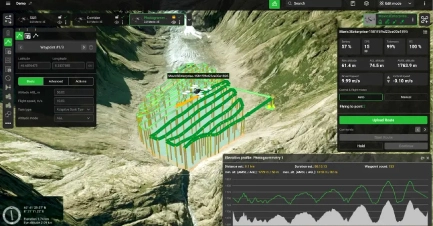
Terrain following with custom DEM import
Import your own DEM, DTM, or DSM data. UgCS calculates a flight path that follows actual terrain contours, even at low altitudes. Maintains constant ground sampling distance (GSD) across elevation changes.
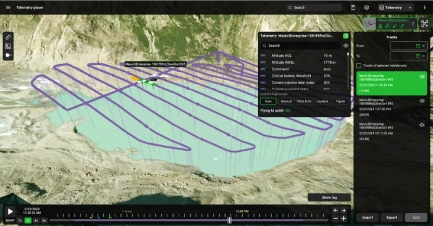
Any sensor, any drone
Custom sensor profiles. Multispectral, hyperspectral, LiDAR, GPR, magnetometer, methane. Works with DJI drones, NDAA-compliant, Blue UAS and open platforms (Ardupilot, PX4) and more.If your lab or field team owns it, UgCS supports it.

Offline drone mission planning
Desktop-based drone flight planning software. Install locally and run without internet. Plan and modify missions in the field, in remote terrain, without cellular coverage. No cloud login required to operate.
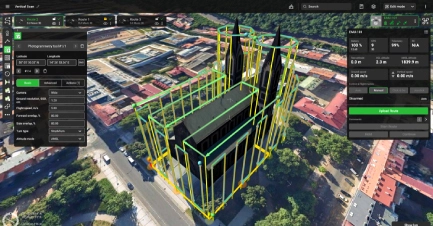
Share & Collaborate
UgCS Cloud and DroneGIS simplify how research teams work together. Share flight plans easily, annotate, and collaborate on an interactive map.
Peer-reviewed studies using UgCS
Researchers don't cite software they don't trust. These are real studies, published citations, and verified results from real fieldwork.

Also used in research at:
University of Patras (archaeological rockfall mapping, Acrocorinth), University of Alaska Anchorage (methane detection at abandoned wells), UC San Diego,
Korea Heritage University (hyperspectral imaging), Geological Survey of Norway (aeromagnetic survey), and dozens of others.
Academic pricing
Academic Pricing Available (UgCS Pro, Expert, Enterprise)
Available to accredited universities, research institutes, and degree-enrolled students
Licenses can be for individual researchers, lab-wide deployments, or teaching seats
First-year support and updates included on perpetual licenses
Proof of academic affiliation required (faculty email, student ID, or institution letterhead).
FAQs
Who qualifies for UgCS academic pricing?
Academic pricing is available to universities, research institutes, and degree-enrolled students. Licenses can cover an individual researcher, a full lab deployment, or teaching seats for a class. You confirm eligibility with a faculty email, student ID, or institution letterhead.
Can students get UgCS, or is it only for faculty and labs?
Yes, degree-enrolled students qualify for academic pricing on their own. The same academic terms also cover individual researchers, lab-wide deployments, and teaching seats, so anything from a single thesis project to a whole methods class can be licensed. Proof of enrollment, such as a student ID, is all that's needed.
Can I try UgCS for free before applying for academic pricing?
Yes, UgCS Open is a free version you can download and use to evaluate the software. It runs the same desktop planning workflow of UgCS Expert with usage limits of two missions per day and a 250 meter cap on the distance between the two furthest points of a route, which is enough to judge fit before moving to a paid academic license. The free UgCS Basics Course is also a good way to see the workflow end to end.
Does UgCS work with the drones and sensors our lab already owns?
Almost certainly. UgCS works with DJI, NDAA-compliant Blue UAS, and open platforms including ArduPilot and PX4, and you can add a custom profile for Pixhawk-based aircraft. Through custom sensor profiles it supports multispectral, hyperspectral, LiDAR, GPR, magnetometer, and methane payloads, so you can keep your existing hardware.
Why use UgCS instead of the drone's built-in flight app?
UgCS gives you control that built-in apps generally don't: terrain following from your own DEM, DTM, or DSM data, missions that save every parameter for exact re-flights, custom sensor profiles, and support for drones beyond a single manufacturer. For research that depends on a consistent ground sampling distance and identical repeat flights, that control is what separates comparable data from noise. It also runs on the desktop, where a full screen makes complex missions far easier to plan than a small controller does.
Can we use UgCS in the field with no internet or mobile coverage?
Yes. UgCS is desktop software that installs locally and runs fully offline, with no cloud login required to operate. Cache your maps and elevation data beforehand, and you can plan or adjust missions in remote terrain with no connectivity.
Is UgCS suitable for multi-year or longitudinal studies?
Yes, and that is one of the main reasons researchers choose it. Every mission parameter saves, so you can re-fly the exact same route months or years later. When the flight path is identical across seasons, the changes you measure reflect the biology or the terrain, not variation in how the drone flew.
Has UgCS been used in published, peer-reviewed research?
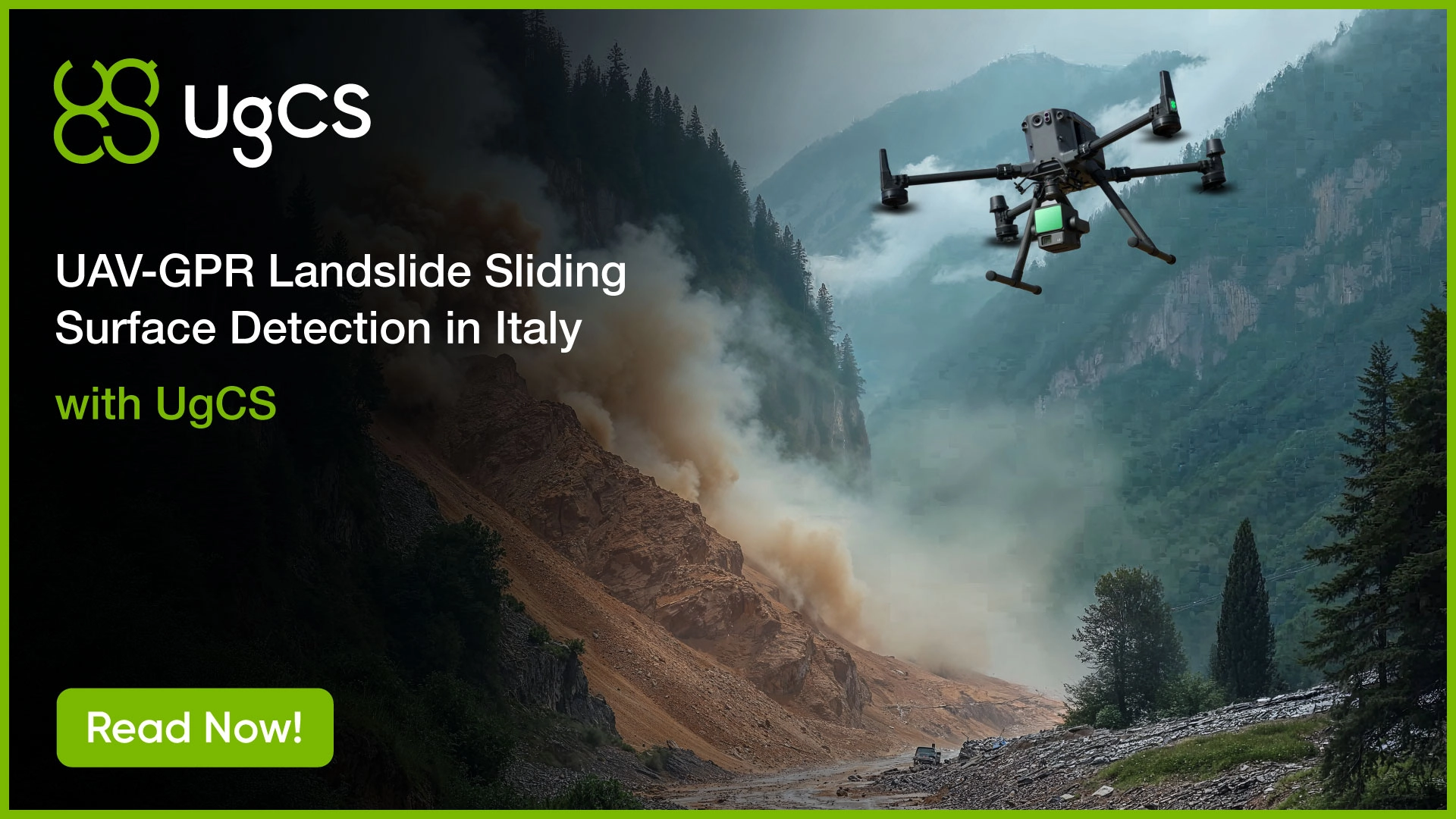
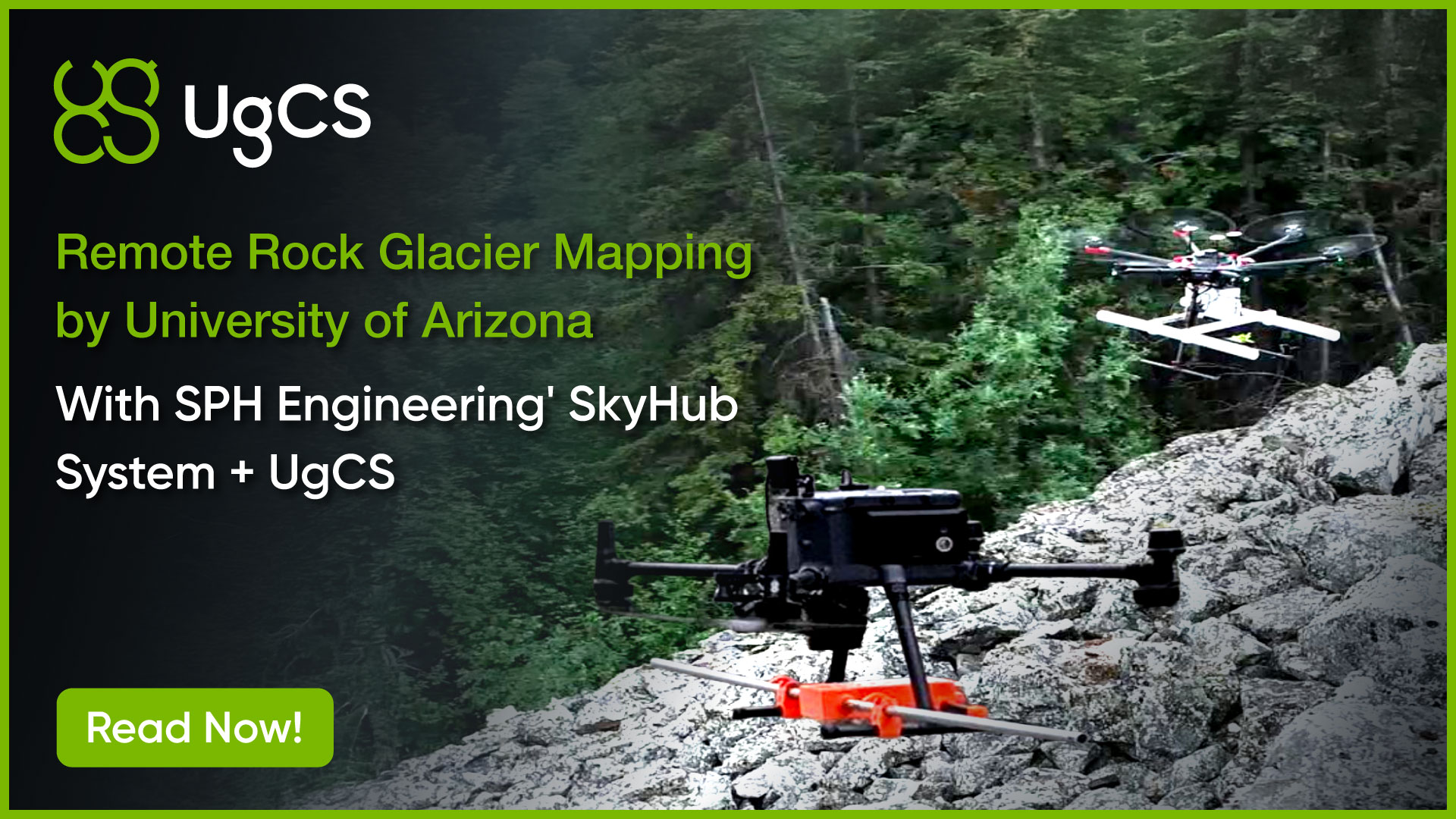
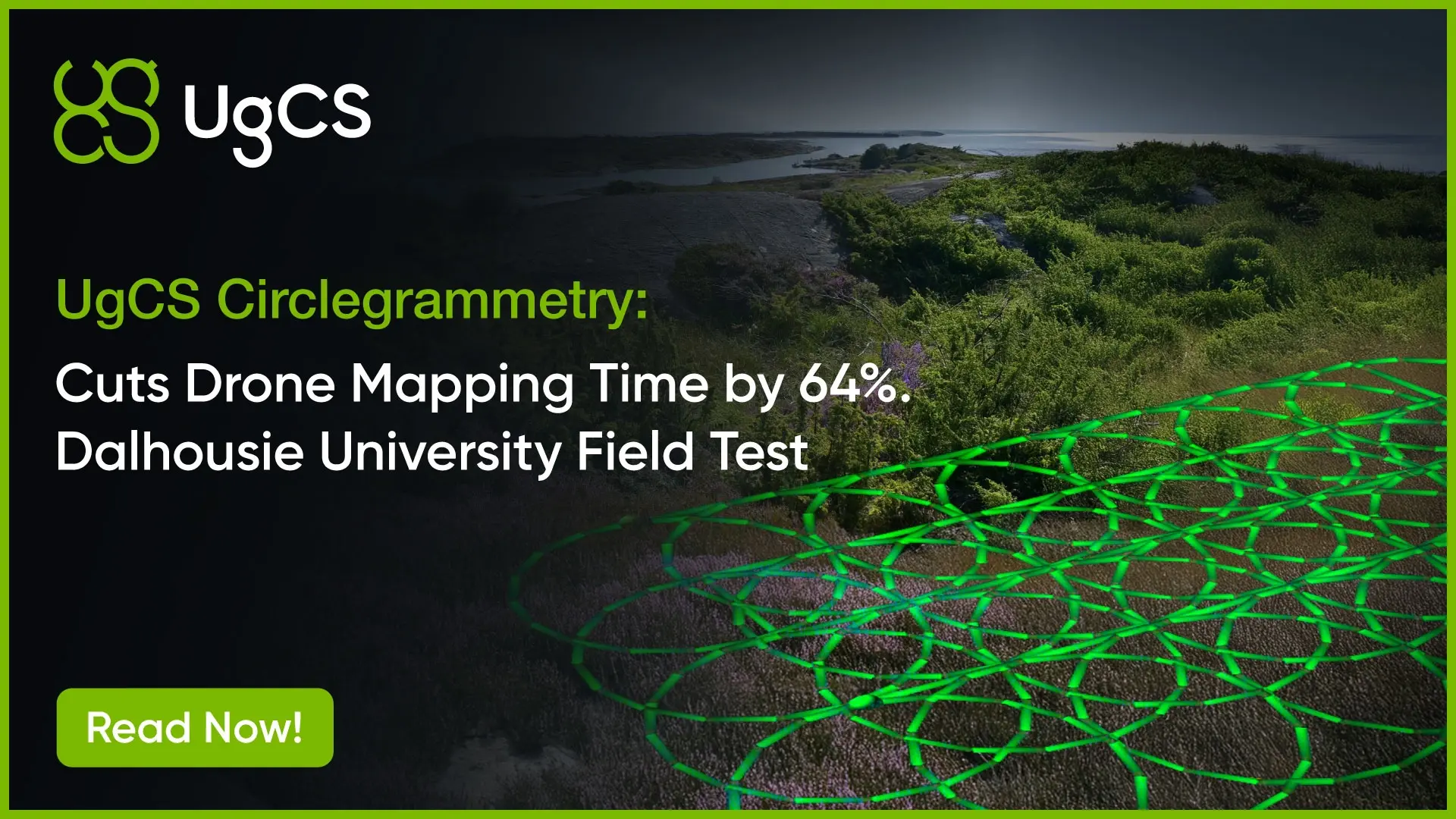
Yes, in peer-reviewed studies across more than 300 universities. Recent examples include Dalhousie University, published in the ISPRS Open Journal of Photogrammetry and Remote Sensing in November 2025, the University of Nevada in Endangered Species Research volume 59, and the University of Arizona by Aguilar, Holt et al. in 2026. It has also been used at UC San Diego, the University of Patras, the University of Alaska Anchorage, and the Geological Survey of Norway, among others.
What operating systems does UgCS run on, and how many computers can a license cover?
UgCS is desktop software that installs on Windows, macOS, and Linux (Ubuntu), and all planning is done on the computer. A license activates on one computer by default, and you can buy additional activations if a researcher works across machines. For larger groups, lab-wide deployments and teaching seats handle multiple users.
What support and training do academic users get?
Academic users get the free UgCS Basics Course to assign to students before fieldwork, research-focused webinars, full technical documentation useful for methods sections, and direct email support with priority during active fieldwork. First-year support and software updates are included on perpetual licenses.