
Professional drone flight planning. Try For Free.
UgCS Open is the free version of UgCS, the drone flight planning software used by professional survey, mapping, and photogrammetry teams worldwide. It's the same engine as the paid product, with daily limits that keep it free, without trial periods or credit cards.



What you get with UgCS Open - Free Drone Flight Planning Software

Preplan missions in full 3D
See your flight path against real terrain before you launch. Elevation, obstacles, site features. Spot problems in the office, not in the field.

Terrain following
Use our industry-leading terrain following algorithms to fly even over challenging terrain.

Multi-platform
Desktop application that works with DJI, NDAA-compliant drones, ArduPilot, PX4, and more. Same workflow for any platform. Small DJI drones such as the Mini 3 Pro and Air 2S fly UgCS Open routes through the Litchi app.

Offline flight planning
Cache maps and elevation data before you leave. Plan and fly in locations without cellular coverage. If the cached imagery is out of date, create a fresh map and elevation model offline with UgCS Mapper.

Photogrammetry and mapping grids
Plan area scan missions for drone photogrammetry, orthomosaic mapping, and volumetric surveys. Set overlap, altitude, and GSD within the same interface used by professional survey teams. Free, with the Open usage limits applied.
What's limited in UgCS Open

You can upload a route to your drone or export it up to 2 times per day.

250 m maximum distance between the two furthest points in a route.

No more than 2 concurrent projects.
If your surveys, mapping jobs, or photogrammetry flights fit within those limits, Open is what you need. If your projects are bigger or require LiDAR toolsets and corridor mapping.

UgCS Open is a good fit for
Professional drone pilots wanting to try out UgCS before purchasing a license
Drone pilots learning professional flight planning
Drone pilots running small mapping or survey jobs within the daily limits
Students and researchers evaluating UgCS for academic work
Consider UgCS Expert instead if you need:
large-area surveys, LiDAR missions, multi-drone operations, or offline work across big project areas.
Three steps to your first free flight plan

Download UgCS Open
Download UgCS Open on your Windows or macOS.

Activate with your email
Open the app, enter your email, confirm. No credit card required.

Plan your first mission
The app ships with a guided walkthrough.

Upcoming Webinar
Supported drones: DJI, Inspired Flight, Freefly, ArduPilot, PX4, and others
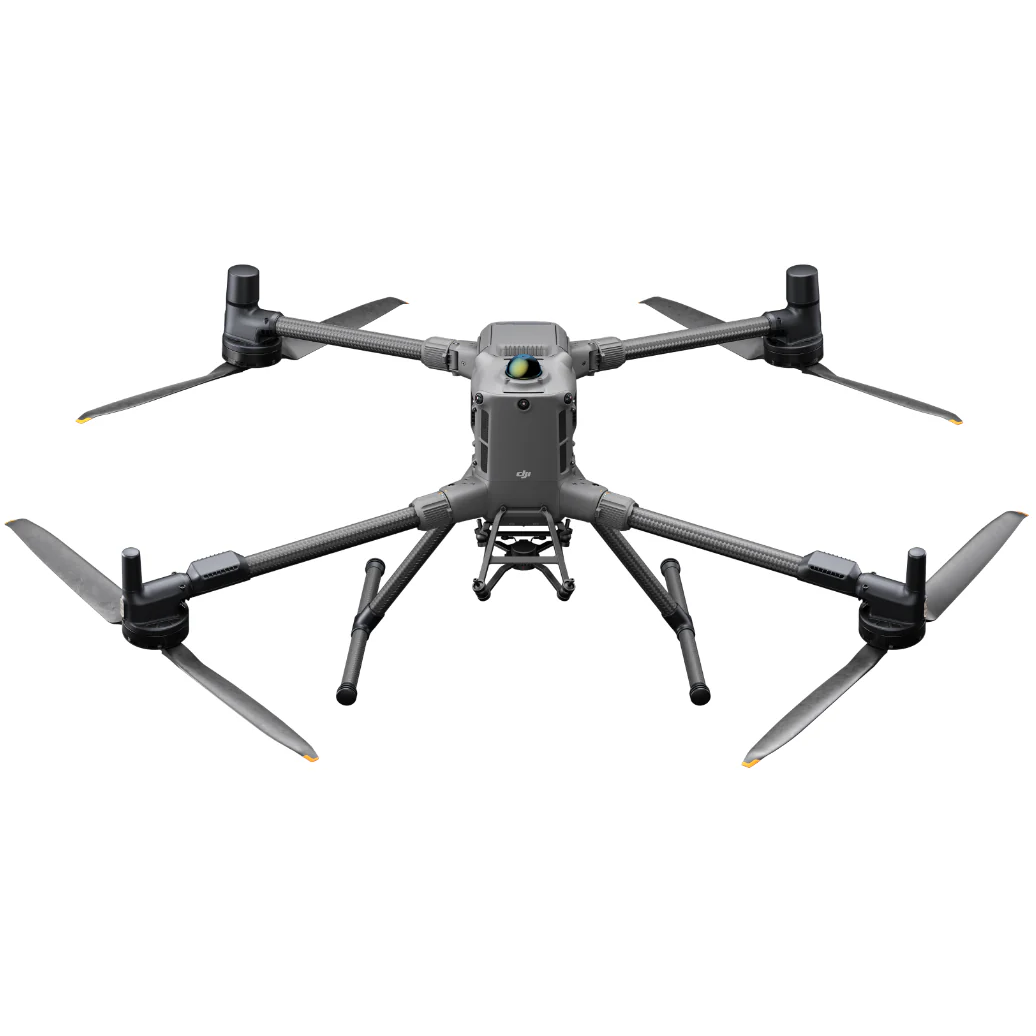
DJI
Matrice 400


Discover »»»

DJI
M350 RTK
Discover »»»
DJI
M300 RTK
Discover »»»
DJI
Matrice 4 Series
Discover »»»
DJI
Mini 4 Pro
Discover »»»
DJI
Mavic 3 Enterprise Series
Discover »»»

DJI
Matrice 30 Series
Discover »»»
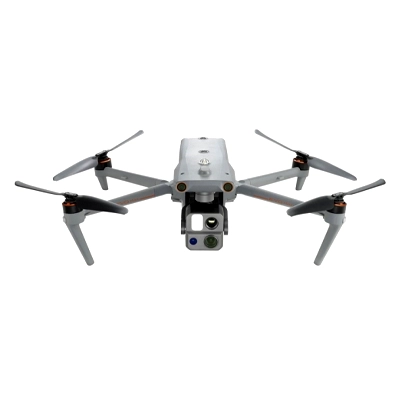
Autel
EVO Max 4T/4N
Discover »»»

DJI
M200 / M210 Series
Discover »»»

DJI
Phantom 4 / PRO / PRO v2 / RTK with SDK controller only!
Discover »»»

DJI
M600, 600 Pro
Discover »»»
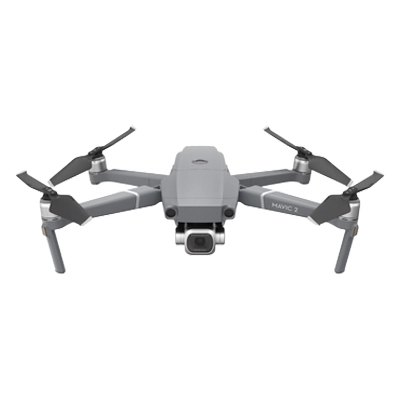
DJI
Mavic 2 Zoom/ Pro / Enterprise / Enterprise Dual / Enterprise Advanced
Discover »»»

Freefly
Alta X
Discover »»»
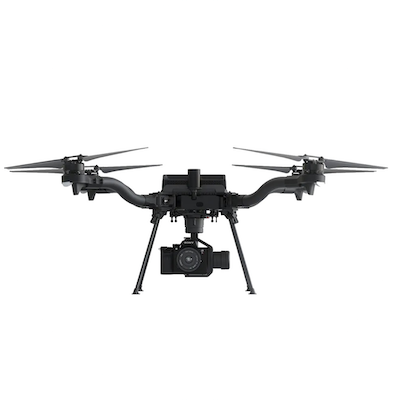
Freefly
Astro
Discover »»»
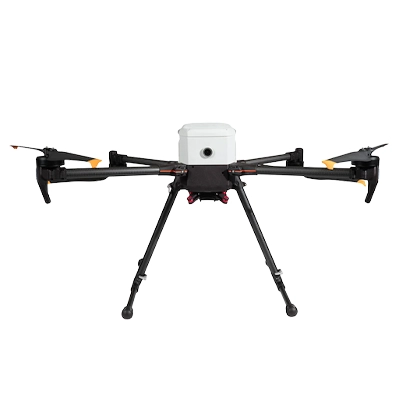
Inspired Flight
IF800
Discover »»»

Inspired Flight
IF1200
Discover »»»
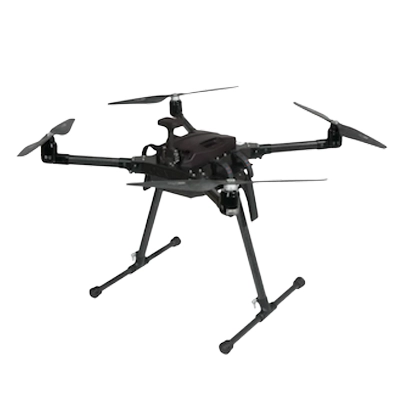
Inspired Flight
IF750
Discover »»»

CubePilot
Cube Orange
Discover »»»

DJI
N3
Discover »»»

DJI
A3
Discover »»»
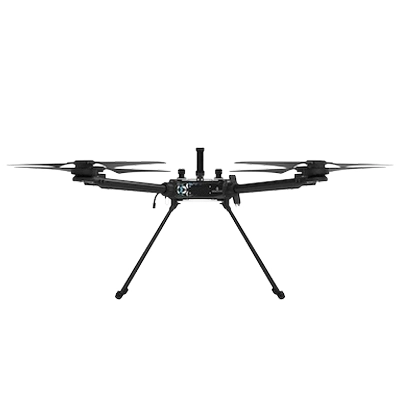
Hexadrone
Tundra
Discover »»»
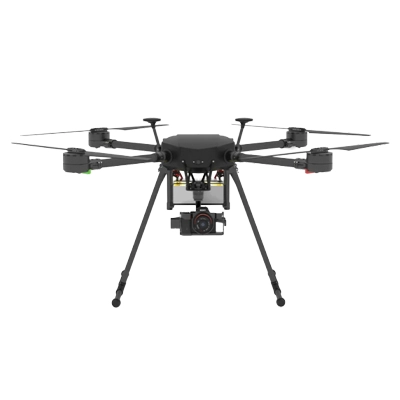
DroneBase
X1000 Pro RTK
Discover »»»

Acecore
Zoe
Discover »»»

Acecore
Noa
Discover »»»

Aurelia
X4 Series
Discover »»»

Aurelia
X6 Series
Discover »»»

Aurelia
X8 Series
Discover »»»
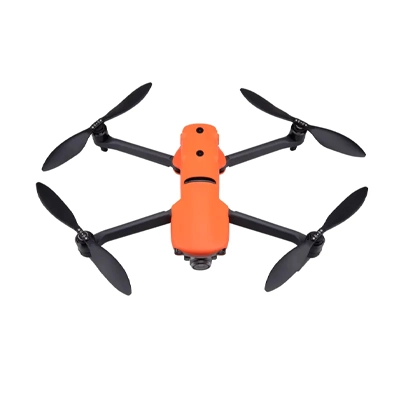
Autel
EVO II series
Discover »»»

Watts Innovations
PRISM
Discover »»»
Inspired Flight
IF1200A
Discover »»»

Wispr
Ranger Pro
Discover »»»

Other Ardupilot / PX4
Ardupilot/PX4 Multicopters
Discover »»»

Other Ardupilot / PX4
Ardupilot/PX4 Helicopter
Discover »»»

Other Ardupilot / PX4
APM Airplane
Discover »»»

DJI
M100
Discover »»»

DJI
Inspire 2
Discover »»»

DJI
Inspire 1 / Pro / Raw
Discover »»»

DJI
Mavic Pro
Discover »»»

DJI
Phantom 3
Discover »»»

Yuneec
H850 RTK
Discover »»»

Arcsky
X55
Discover »»»
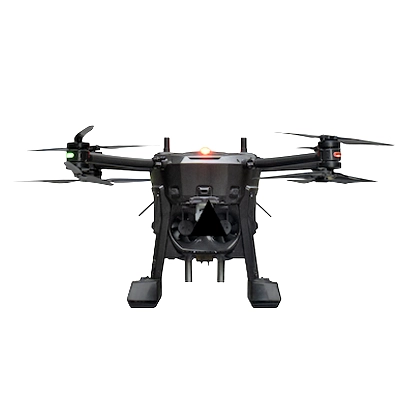
Xer Technologies
X8
Discover »»»
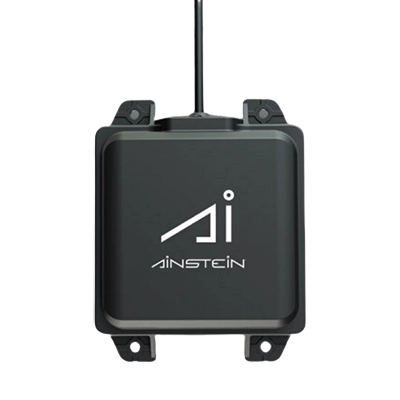
Ainstein AI
US-D1
Discover »»»
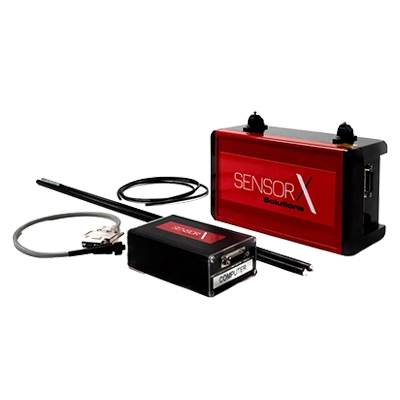
Axetris
FluX Aero Methane Sniffer
Discover »»»
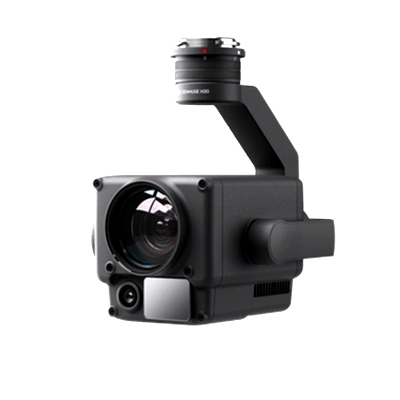
DJI
Zenmuse H20 Series
Discover »»»
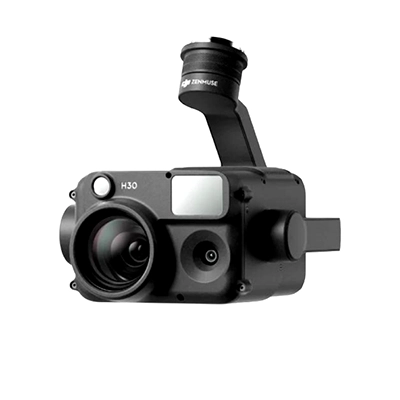
DJI
Zenmuse H30 Series
Discover »»»
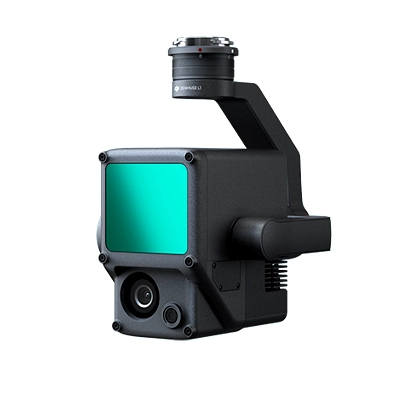
DJI
Zenmuse L1
Discover »»»
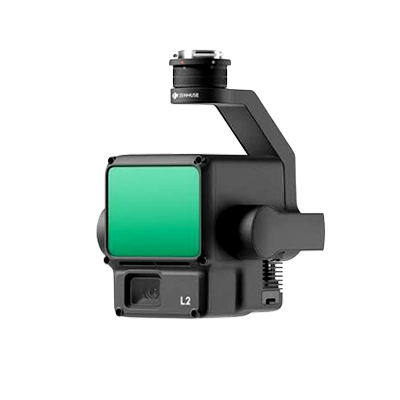
DJI
Zenmuse L2
Discover »»»
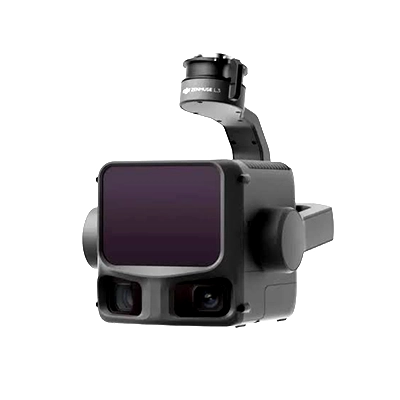
DJI
Zenmuse L3
Discover »»»
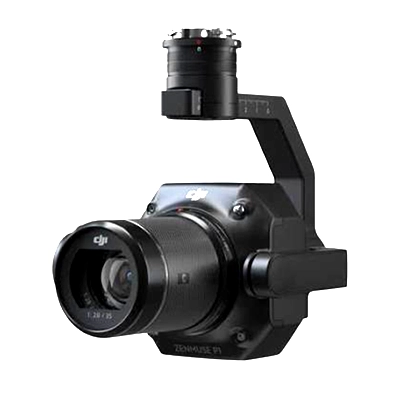
DJI
Zenmuse P1
Discover »»»
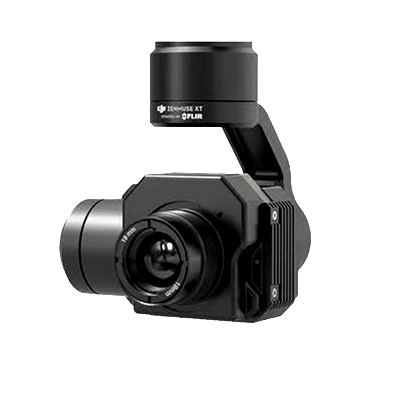
DJI
Zenmuse X/Z/XT Series
Discover »»»
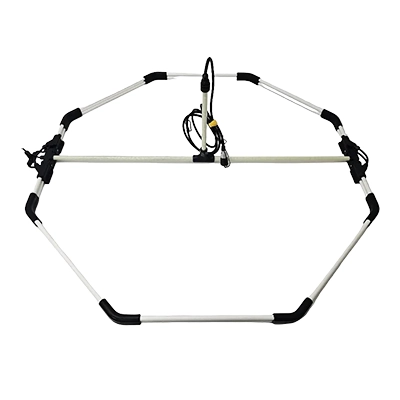
Ebinger
VEMOS AIR
Discover »»»
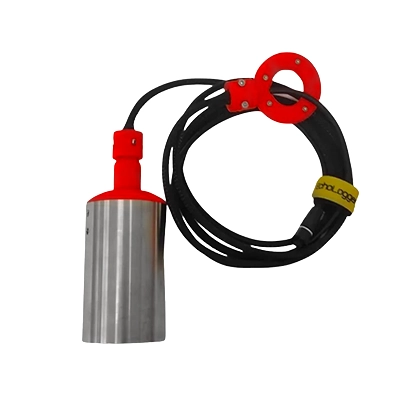
Echologger
ECT 400S
Discover »»»
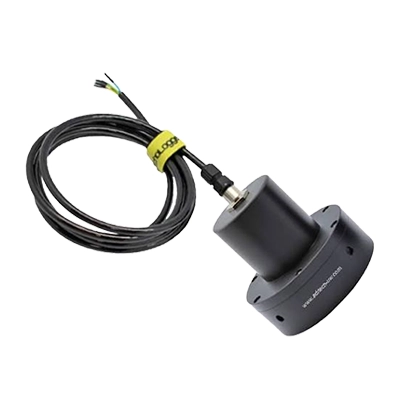
Echologger
ECT D032S
Discover »»»
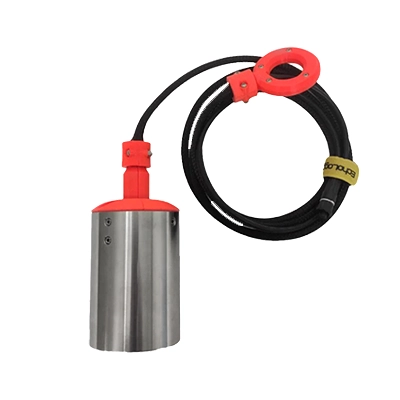
Echologger
ECT D052S
Discover »»»
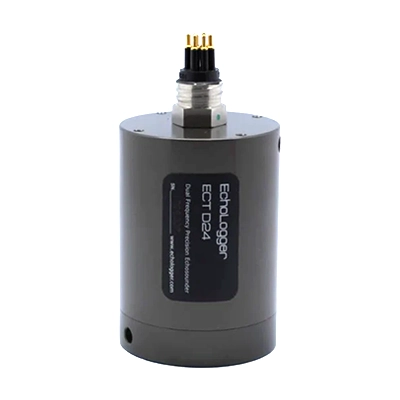
Echologger
ECT D24S
Discover »»»
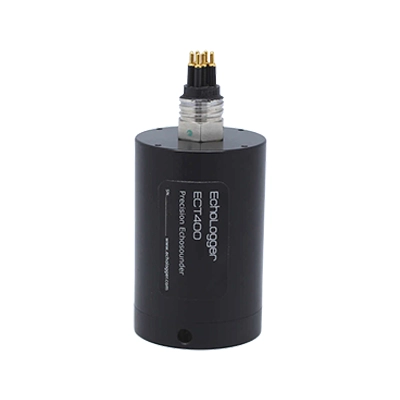
Echologger
ETF 400S
Discover »»»
Emlid
Reach M2
Discover »»»
FT Technologies
FT602 anemometer
Discover »»»
FT Technologies
FT742 anemometer
Discover »»»
GeoCue
TrueView 515
Discover »»»
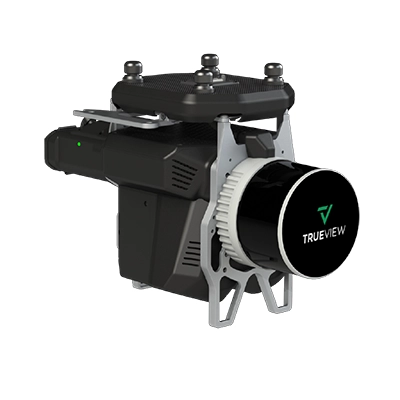
GeoCue
TrueView 535
Discover »»»
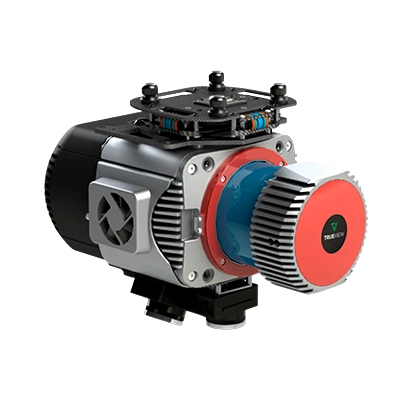
GeoCue
TrueView 680 / 680LR
Discover »»»
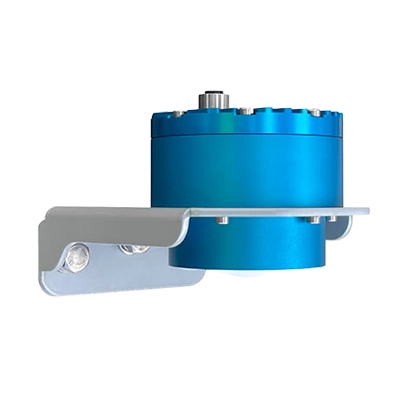
Geolux
LX-80
Discover »»»
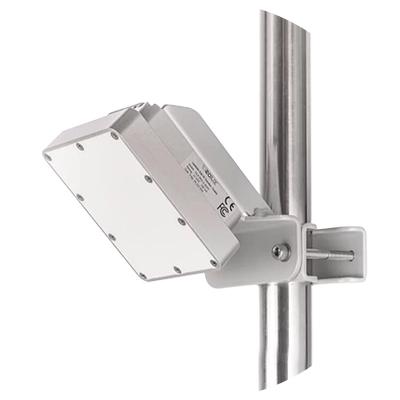
Geolux
RSS2-300W
Discover »»»
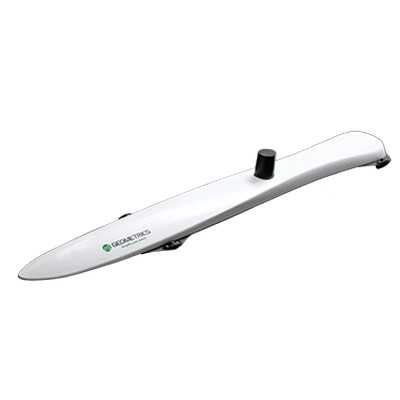
Geometrics
MagArrow Mk2 magnetometer
Discover »»»
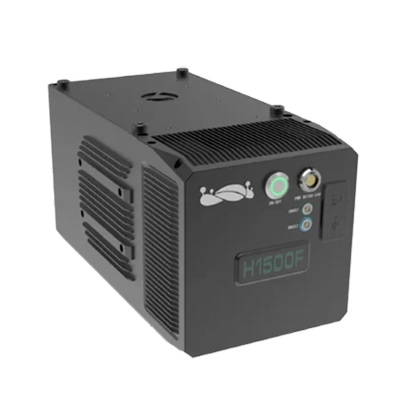
GreenValley
LiAir H1500
Discover »»»
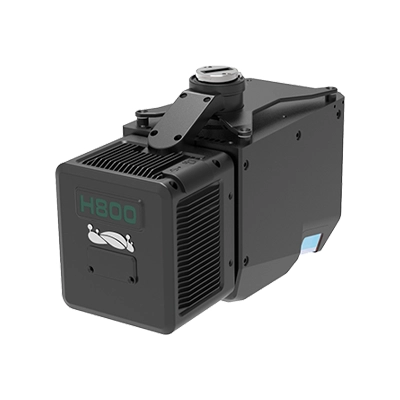
GreenValley
LiAir H800
Discover »»»
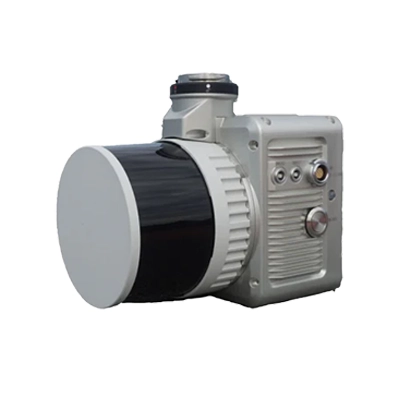
GreenValley
LiAir X3C-H
Discover »»»
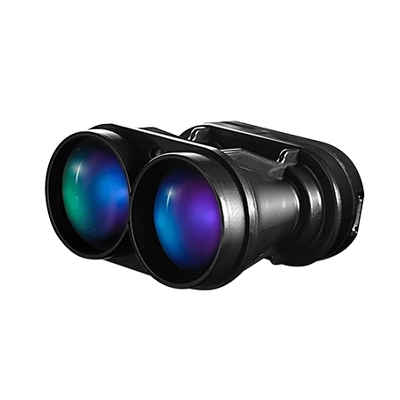
LightWare Lidar
SF30/D
Discover »»»
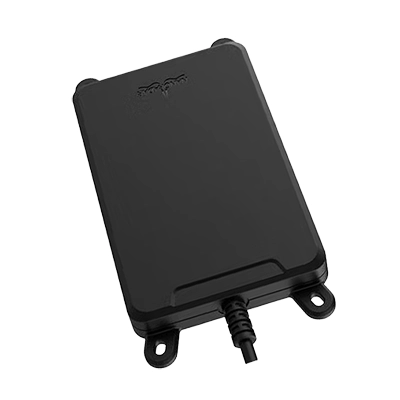
Nanoradar
MR72 obstacles detector
Discover »»»
Nanoradar
NRA24
Discover »»»
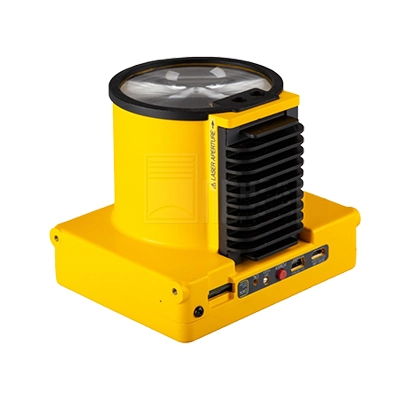
Pergam
Laser Falcon
Discover »»»
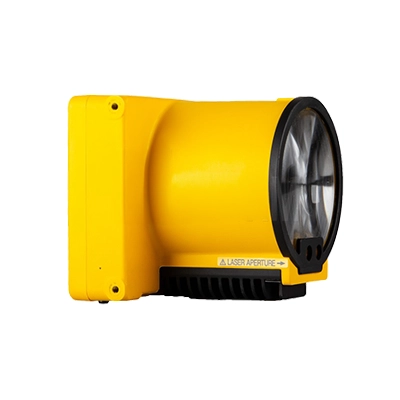
Pergam
Laser Falcon 2
Discover »»»
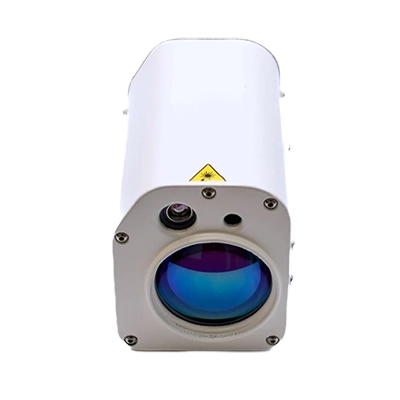
Pergam
Laser Falcon Plus
Discover »»»
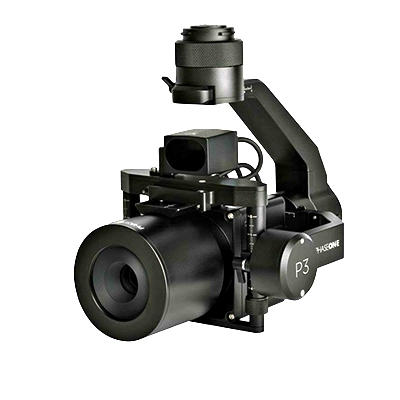
Phase One
P3
Discover »»»
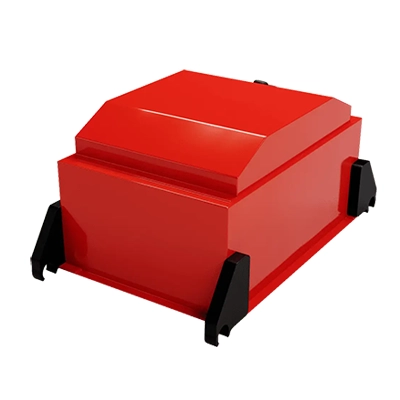
Radar Systems
Zond Aero 1000
Discover »»»
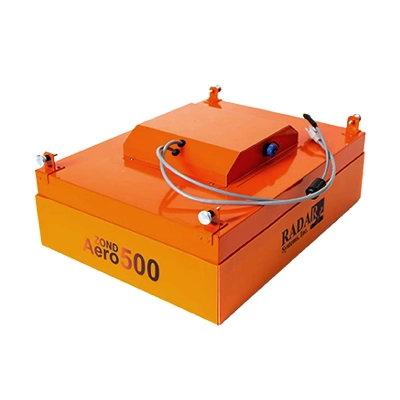
Radar Systems
Zond Aero 500
Discover »»»
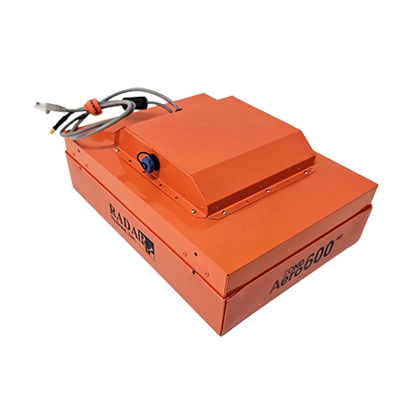
Radar Systems
Zond Aero 600
Discover »»»
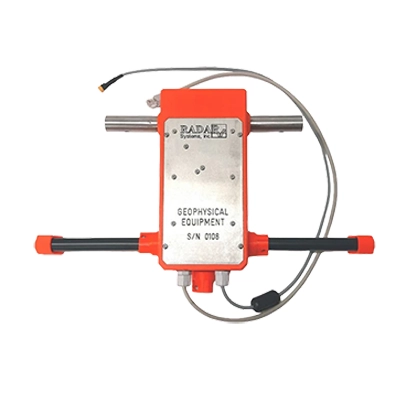
Radar Systems
Zond Aero LF & NG
Discover »»»
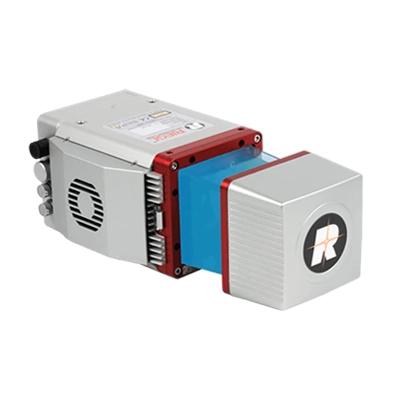
RIEGL
miniVUX-1UAV
Discover »»»
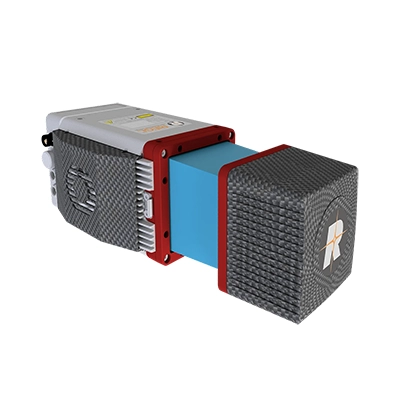
RIEGL
miniVUX-3UAV
Discover »»»
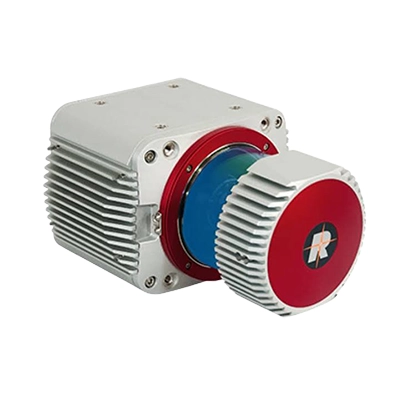
RIEGL
VUX-1UAV22
Discover »»»
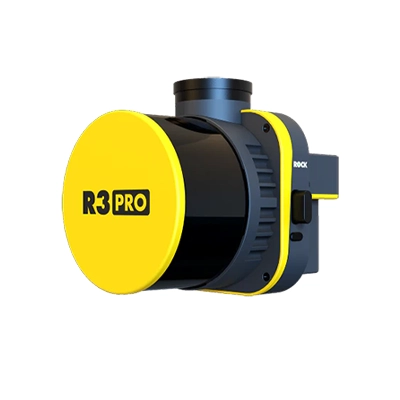
ROCK
R3 Pro V2
Discover »»»
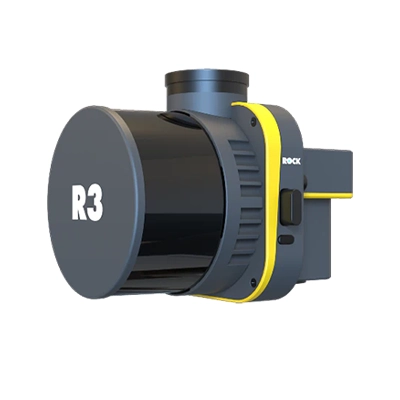
ROCK
R3 V2
Discover »»»
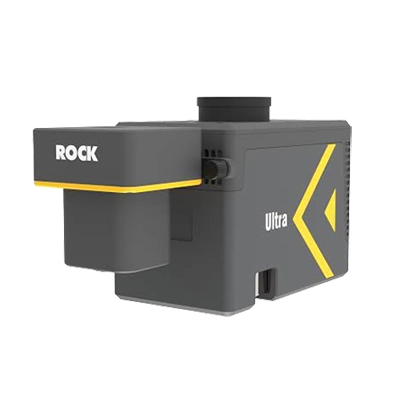
ROCK
Ultra
Discover »»»
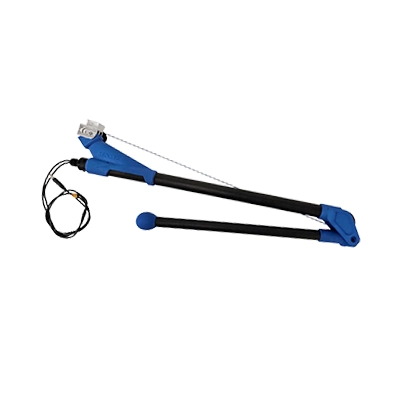
SENSYS
MagDrone R1
Discover »»»
SENSYS
MagDrone R3 / R4
Discover »»»
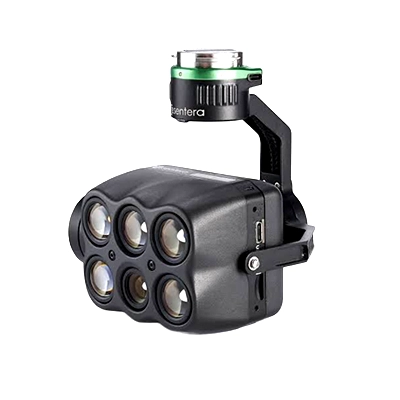
Sentera
6X
Discover »»»
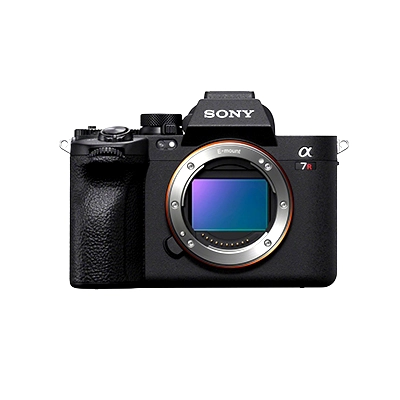
Sony
Sony A7R IV
Discover »»»
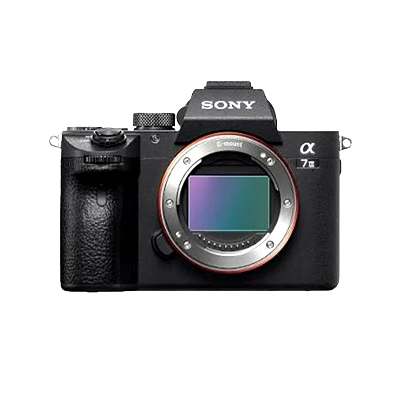
Sony
Sony ILCE
Discover »»»
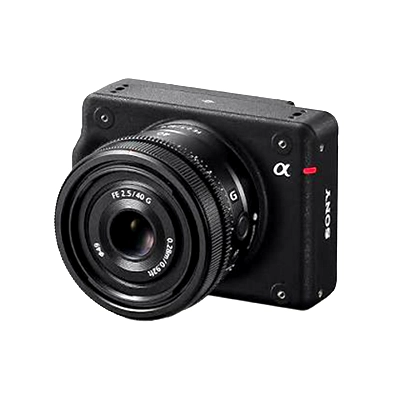
Sony
Sony ILX-LR1
Discover »»»
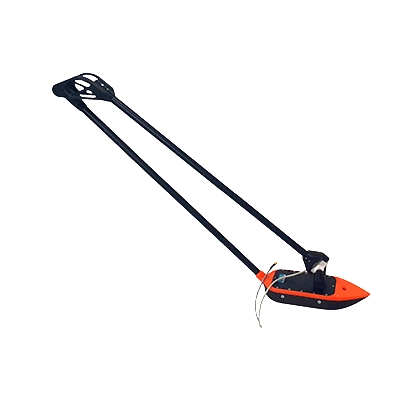
SPH Engineering
EchoNIMBUS MBES, with Cerulean Surveyor 240-16 sensor
Discover »»»
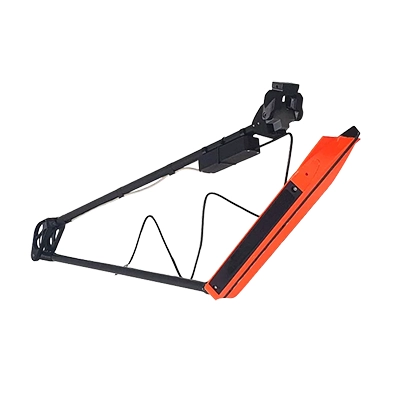
SPH Engineering
EchoNIMBUS SSS (with 2 * Cerulean Omniscan 450SS sensors)
Discover »»»
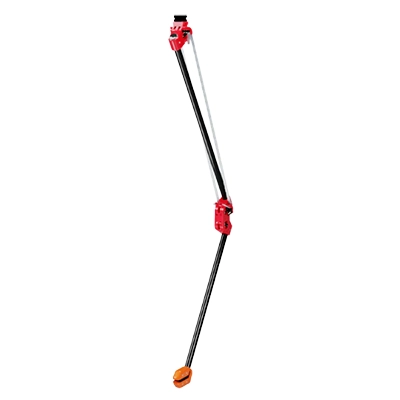
SPH Engineering
MagNIMBUS (with QuSpin Gen-2 magnetometer sensor)
Discover »»»
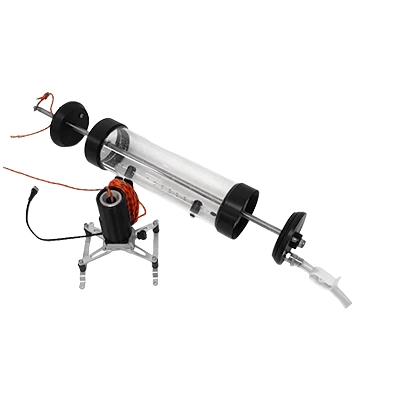
SPH Engineering
Water sampler messenger release device
Discover »»»
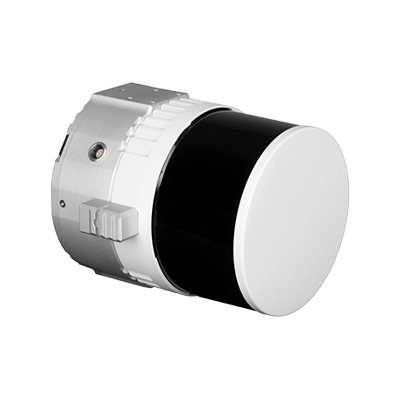
Topodrone
100
Discover »»»
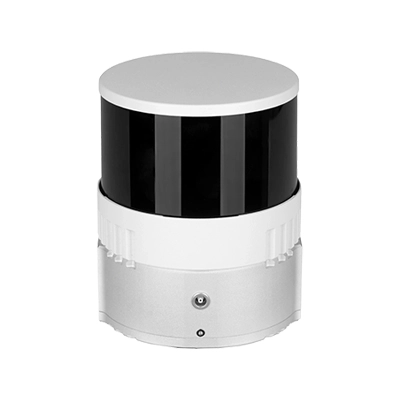
Topodrone
200+
Discover »»»
Topodrone
P24
Discover »»»
Topodrone
P61
Discover »»»
Workswell
WIRIS Enterprise
Discover »»»
YellowScan
Explorer
Discover »»»
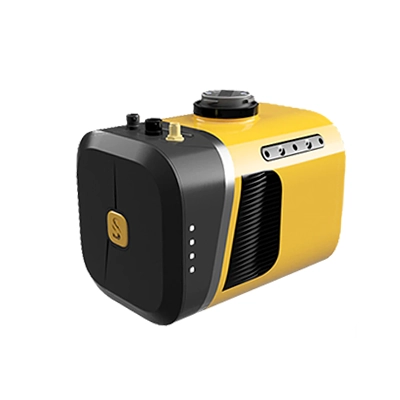
YellowScan
Mapper+
Discover »»»
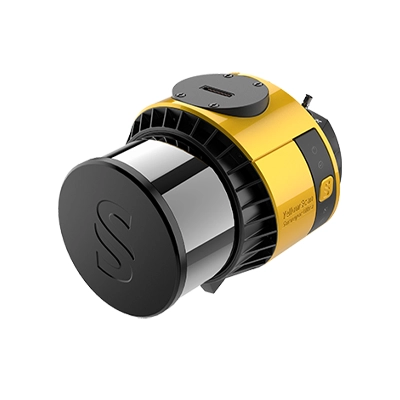
YellowScan
Surveyor Ultra
Discover »»»
YellowScan
Voyager
Discover »»»
Free drone flight planning software - frequently asked questions
Is UgCS Open really free, and does it expire?
Yes, UgCS Open is free with no expiry, no trial period, and no credit card. The daily usage limits are what keep it free, rather than a countdown clock, so you can use it for as long as you like. You only pay if you choose to upgrade to a license that lifts those limits.
Is UgCS Open a stripped-down demo, or the real software?
It's the real software. UgCS Open runs on the same core engine as UgCS Expert, so you get full 3D mission planning, terrain following, and drone control, not a limited preview. The differences are the daily limits and the advanced toolsets reserved for paid tiers.
What's the difference between UgCS Open and the paid versions?
UgCS Open is the same planning engine with three daily limits, while paid licenses lift those limits and add advanced tools. Paid tiers such as UgCS Expert include the LiDAR toolset, corridor mapping, large-area surveys, and multi-drone operations. If your work fits inside two route uploads a day, 250 m between the two furthest route points, and two concurrent projects, Open covers it.
What does the 250 m limit actually mean?
It caps the straight-line distance between the two most distant points of a single route, not the total distance you fly. In practice it limits how large an area one mission can span, so a compact mapping or survey site fits while a long corridor or wide site will exceed it. The actual flight path can still weave back and forth within that span.
Which drones does UgCS Open work with?
UgCS Open supports the same drone platforms as UgCS, including DJI, FreeFly, Inspired Flight, ArduPilot, PX4, and many NDAA-compliant Blue UAS aircraft. You can check the current model list on the supported drones page before downloading, and custom profiles are available for Pixhawk-based aircraft.
Can I fly my DJI drone with UgCS Open?
Yes. You plan the mission on your computer in UgCS Open, then connect to DJI Pilot 2 to fly it, with the launch performed from the Pilot 2 interface on your controller. For ArduPilot and PX4 aircraft, you can upload and launch directly from UgCS Desktop.
Does UgCS Open support LiDAR or corridor mapping?
No, the dedicated LiDAR toolset and corridor mapping are paid features and are not part of Open. Open covers 3D planning, terrain following, and photogrammetry and mapping grids within the usage limits. If you need LiDAR missions or corridor work, UgCS Expert is the tier to look at.
Can I use UgCS Open for paid client jobs?
Yes, you can use UgCS Open for real survey, mapping, and photogrammetry work as long as each job fits within the daily limits. Plenty of pilots run small commercial jobs on Open and move to a paid license once projects grow past two uploads a day or the 250 m route span.
Do I need to be online to use UgCS Open?
You need internet once to activate with your email and to cache maps and elevation data. After that, planning and flying work fully offline, so you can operate in remote sites with no cellular coverage. Activation is a one-time email confirmation with no credit card.
How do I upgrade later, and do I keep my work?
You upgrade by activating a paid license in the same app, with no separate install or migration. Because Open and the paid versions share the same engine, your saved missions and settings stay in place and the daily limits simply lift. You can compare licenses whenever your projects outgrow Open.