



Magnetic Survey Flight Planning in UgCS Expert: Free Workshop, September 23

23 September 2026
,
7:00 pm
Onine, Zoom
UgCS (Universal ground Control Software) is the desktop drone flight-planning software for research-grade applications. Trusted by 5,000+ drone teams worldwide.









%202.svg)
_black%201.svg)





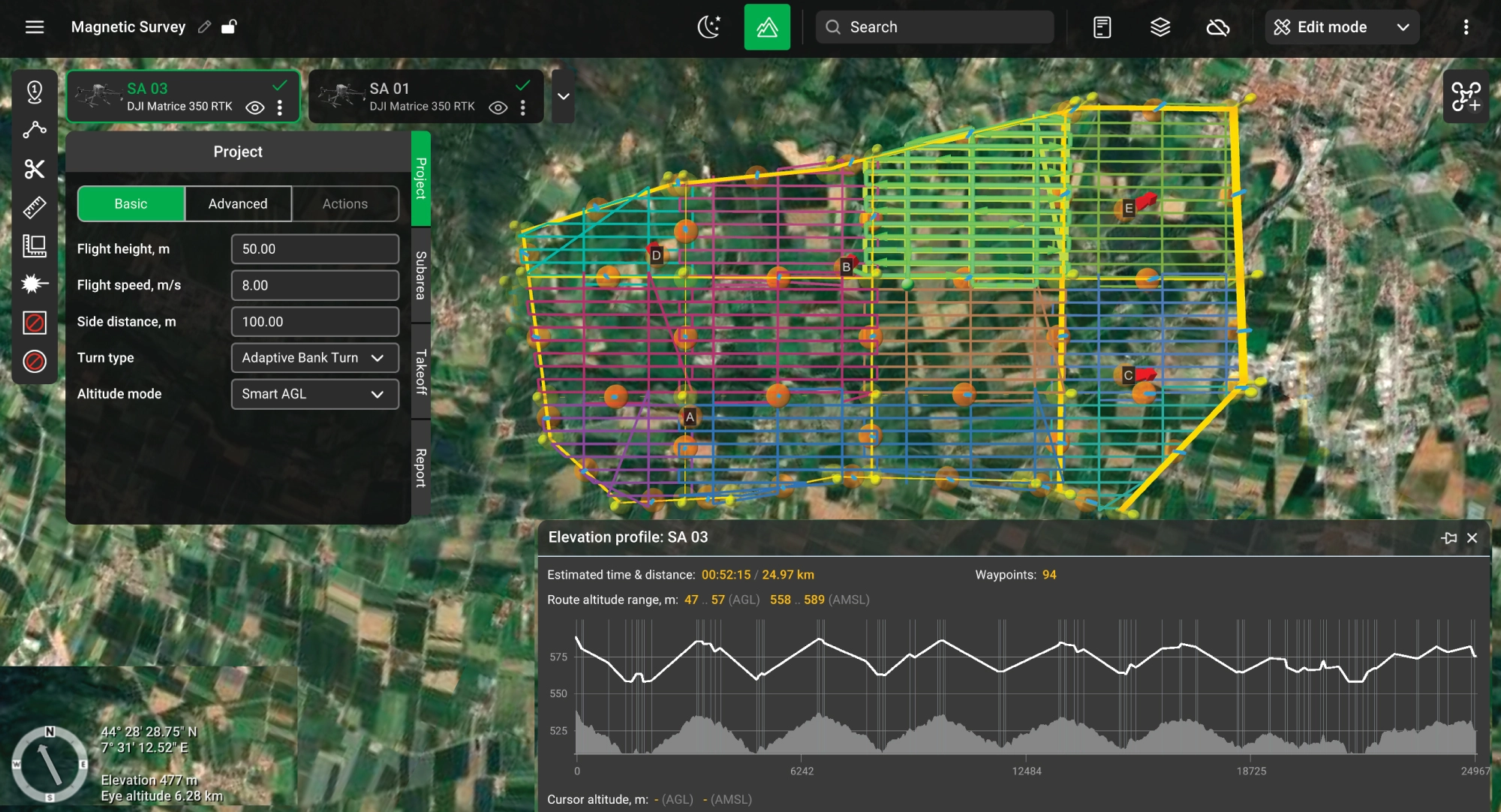
Magnetometer, GPR, and gamma-ray spectrometer missions with true terrain following through SkyHub. The only drone flight planner with dedicated geophysical survey tools.



UgCS runs on your desktop. Build complex missions with 3D preview, elevation profiles, and multi-segment routes. Industry-leading terrain following algorithms and large DEM import support go even further.
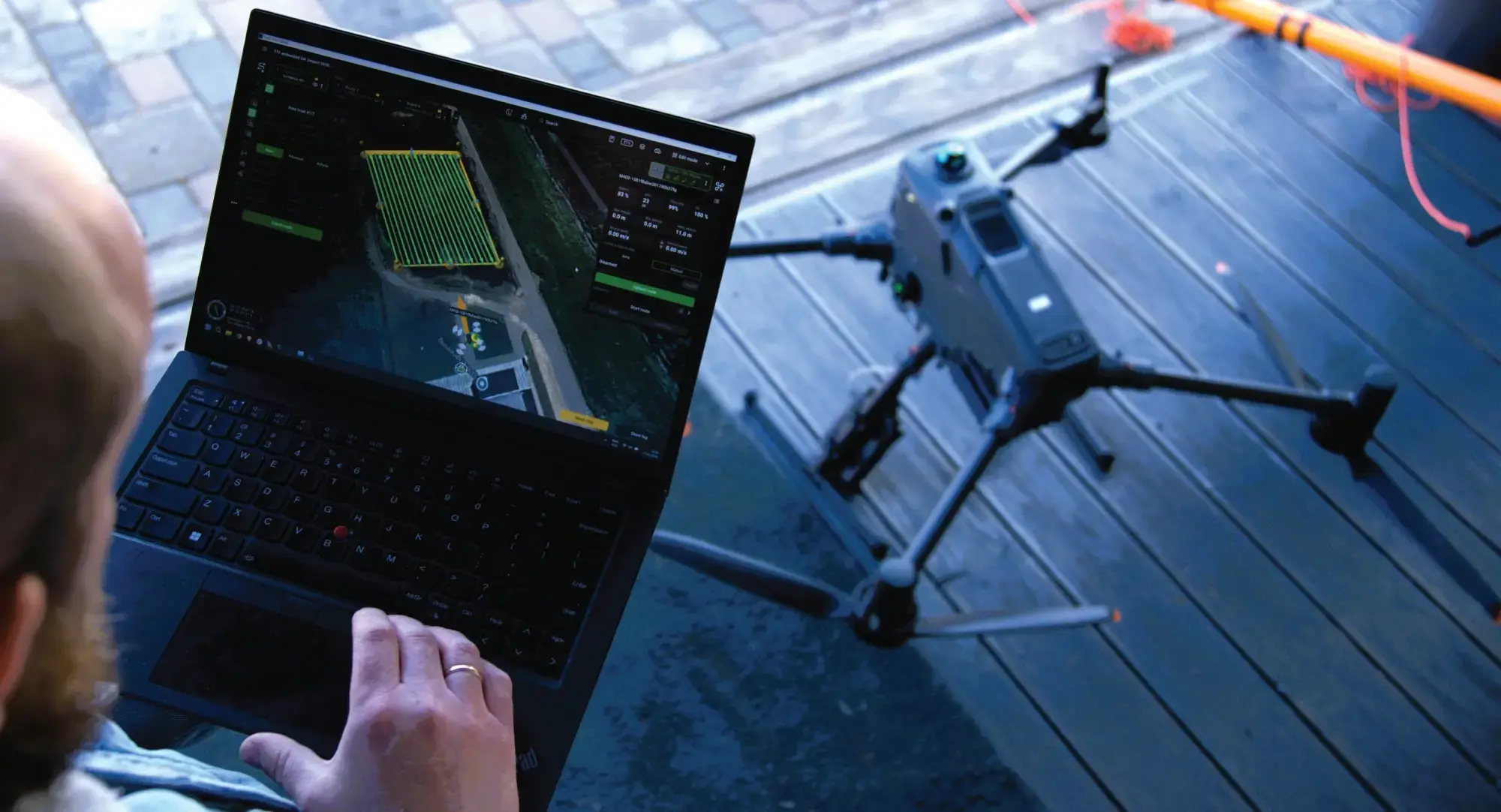
You can't catch overlap gaps, altitude drift, or missed strips on a 7-inch controller screen. UgCS runs on your desktop, with full-screen 3D mission preview, elevation profiles, and multi-segment routes. See the problem before you fly, not after you process.
KML/CSV import. Drop in client coordinates, auto-generate terrain-following corridors with battery swap points. 180km mission, flight-ready in 30 minutes.

You trained pilots on DJI. Now the contract requires Blue UAS. New platform, new flight planner, new workflows. UgCS secures your future; you won’t ever need anything else. We support DJI and +100 other drone platforms.
UgCS supports DJI, Freefly, Autel, ArduPilot, and PX4 drones. Same workflows, same interface.
NDAA-compliant operations. When your contract requires Blue sUAS platforms, switch airframes without switching mission planning software or retraining pilots. Push missions to DJI controllers through UgCS Cloud sync with DJI Pilot 2.

Figure-8 IMU calibration, automated loop turns, scan pattern control, DEM and DSM import. Smart AGL.
Fly as low as 8m AGL using your own DEM data. DJI Pilot 2 stops at 12m. Those 4 meters decide whether you hit 1mm/px or miss your project spec. Import custom elevation models and hold exact AGL across elevation changes.
Plan scan patterns with built-in IMU calibration legs, automated loop turns, and cross-flight lines. Compatible with YellowScan, DJI L-series, Rock Robotics & more.
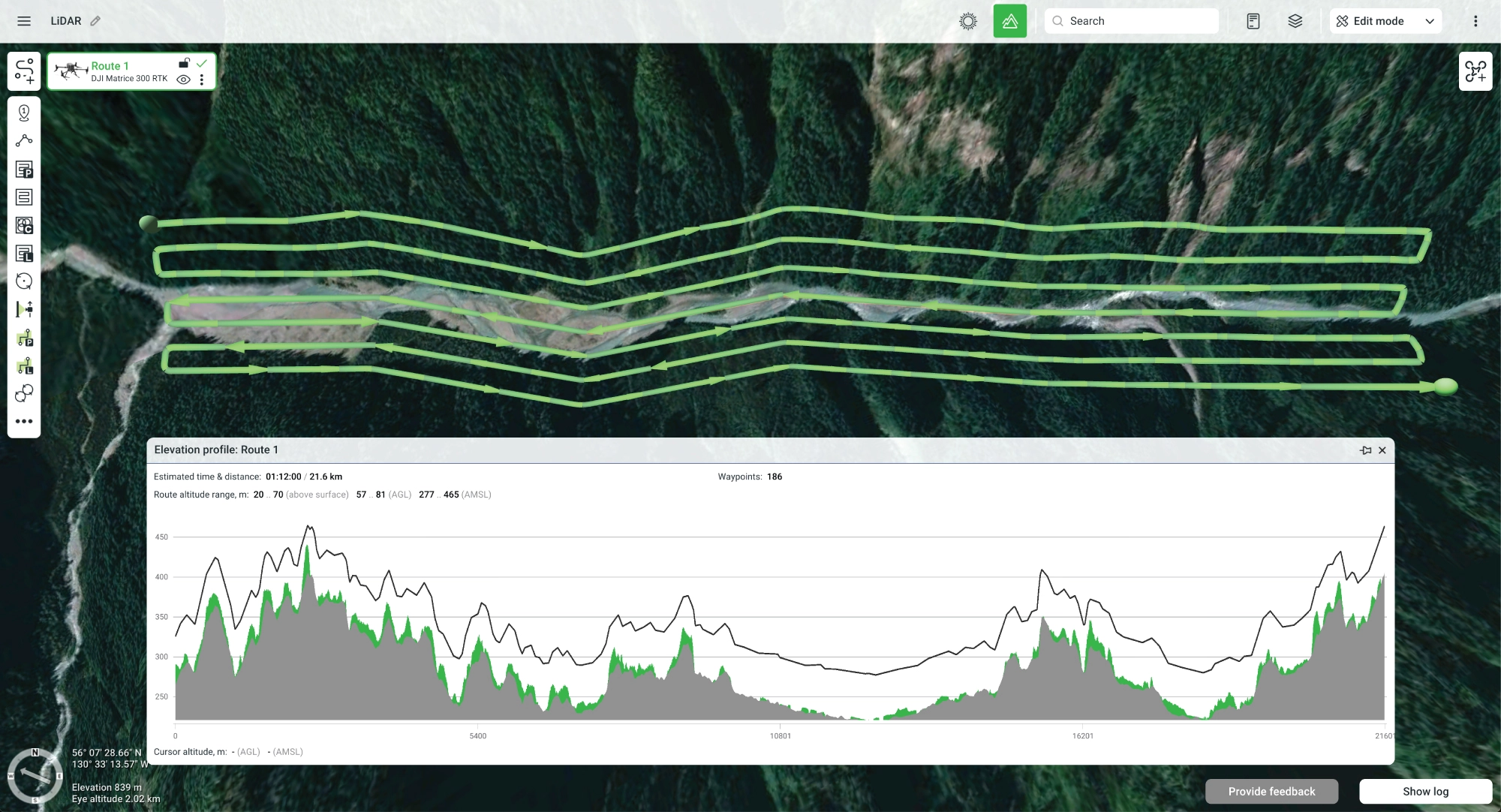
Don’t crash because of bad terrain data. No internet? No problem. Basic DEMs are not enough. One bad waypoint means one crashed aircraft. Not with UgCS. Import your own high-resolution DEM and DSM data. Smart AGL holds your exact altitude above ground, even when the ground changes fast.
Import elevation models and cache maps before you leave the office. Fly full missions offline in remote sites with zero connectivity.
While UgCS works offline, it also includes leading Cloud capabilities - push routes directly from your desktop to DJI remote controllers through DJI Pilot 2. Desktop precision, DJI field execution.
For mining and remote sites, upload fresh GeoTIFF elevation models daily. Plan stockpile volumetrics, pit wall scans, and site-wide surveys with full offline capability. No cellular service required.

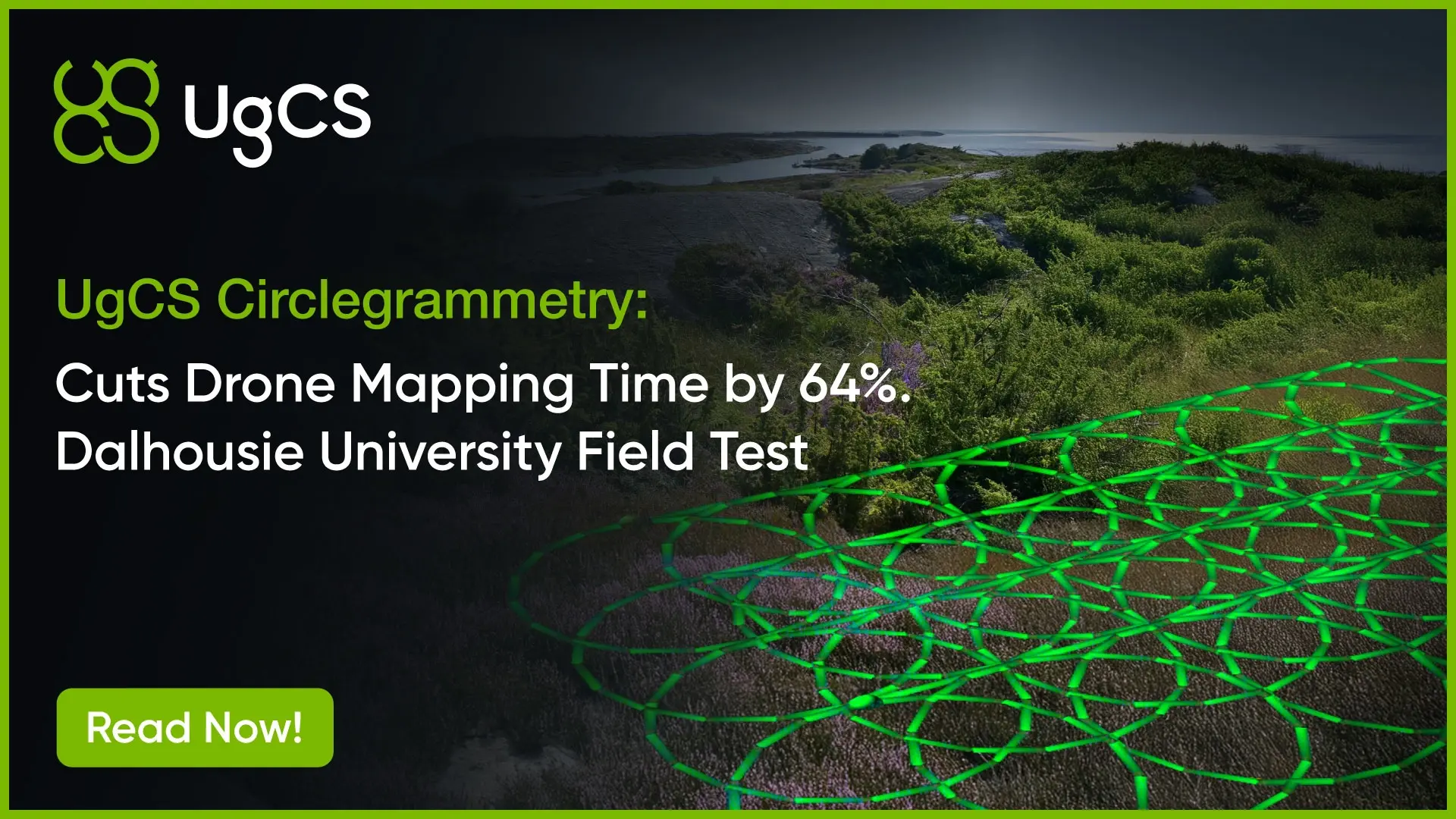
Area scans, LiDAR, photogrammetry or circlegrammetry, 3D mapping, corridor scans, vertical scanning, façade inspections. All planned from the same interface.
What else makes UgCS special? Full automation and customization. Fine-tune gimbal pitch, speed profiles, camera triggers, turning behavior, and lost-link actions. Automate what other tools force you to do manually. Use auto trajectory smoothing.
Automatic battery resume UgCS segments long missions by battery life, pauses at the swap point, picks up exactly where you stopped. No gaps, no re-alignment.
Direct access to our product and support teams. No chatbots, no ticket queue. Need to speak to the people creating UgCS?
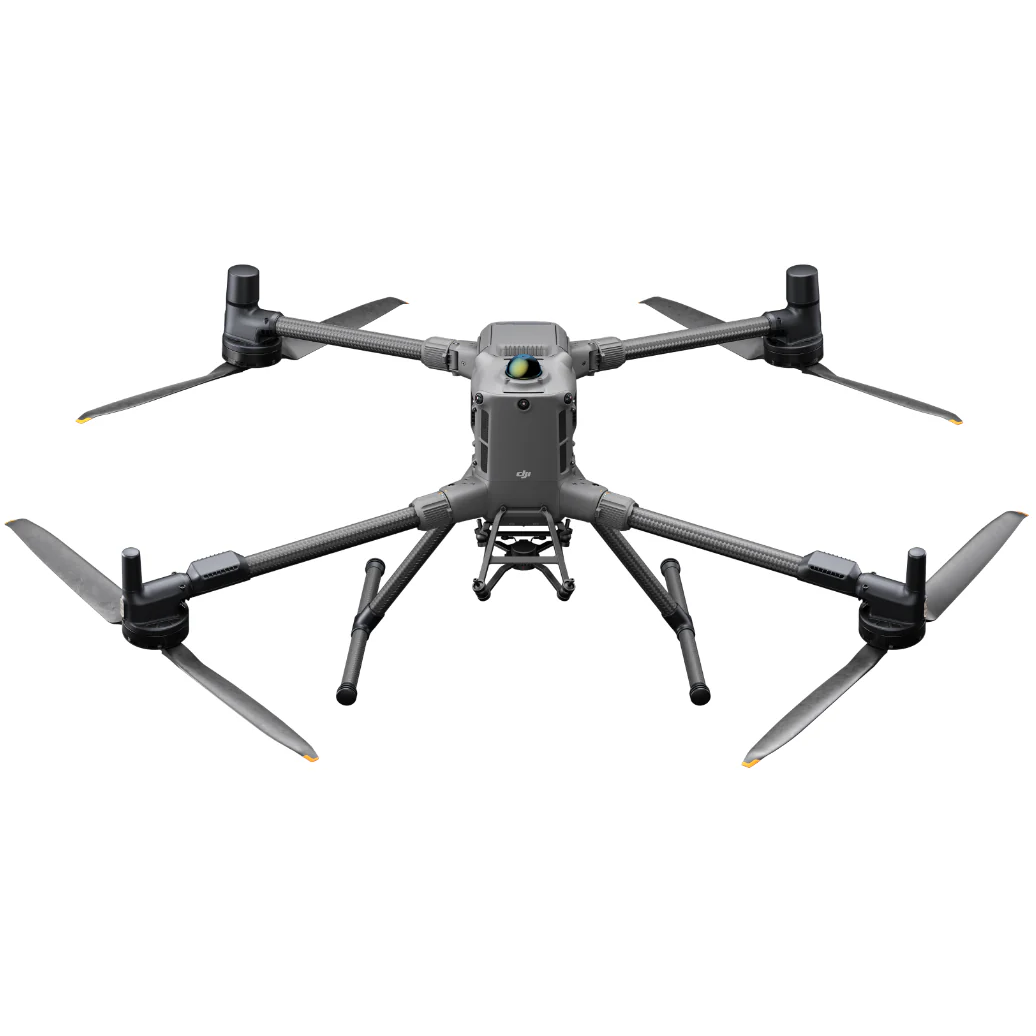
DJI
Matrice 400


DJI
M350 RTK
DJI
M300 RTK
DJI
Matrice 4 Series
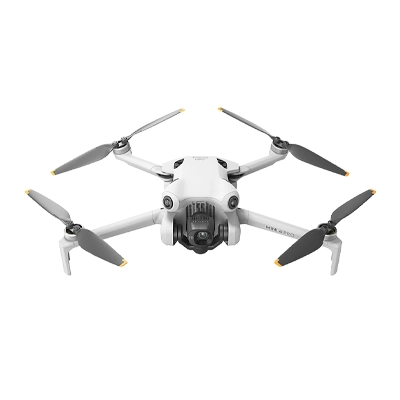
DJI
Mini 4 Pro
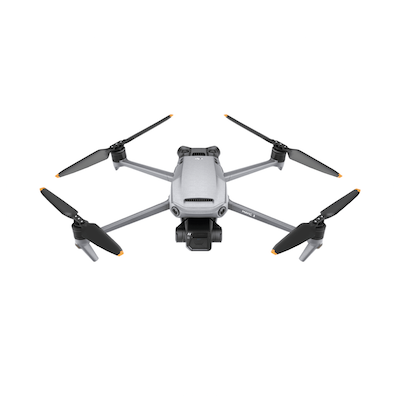
DJI
Mavic 3 Enterprise Series

DJI
Matrice 30 Series
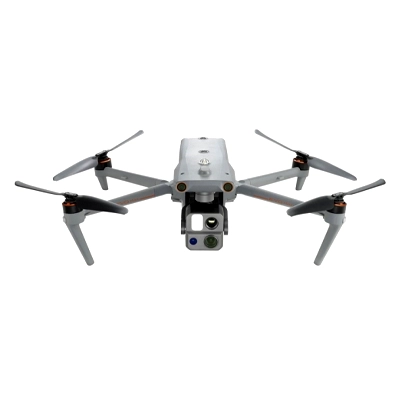
Autel
EVO Max 4T/4N

DJI
M200 / M210 Series

DJI
Phantom 4 / PRO / PRO v2 / RTK with SDK controller only!

DJI
M600, 600 Pro
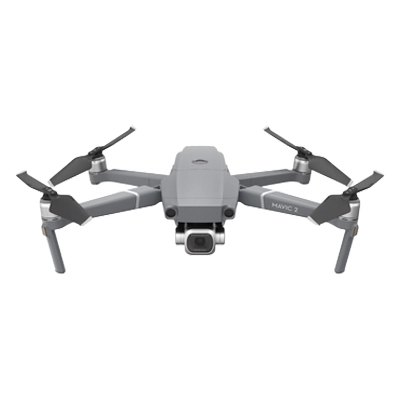
DJI
Mavic 2 Zoom/ Pro / Enterprise / Enterprise Dual / Enterprise Advanced

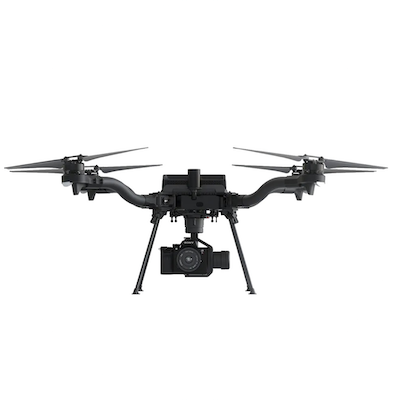
Freefly
Alta X
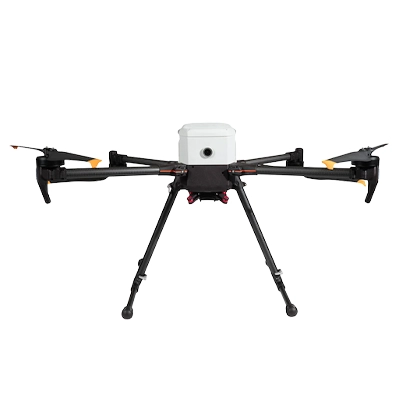
Freefly
Astro
Inspired Flight
IF800

Inspired Flight
IF1200
Inspired Flight
IF750

CubePilot
Cube Orange

DJI
N3

DJI
A3
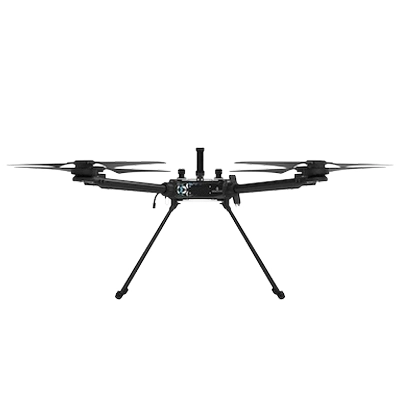
Hexadrone
Tundra
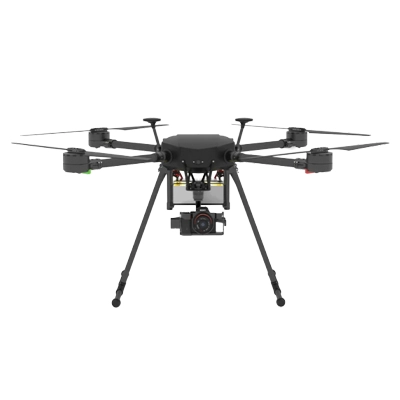
DroneBase
X1000 Pro RTK

Acecore
Zoe

Acecore
Noa

Aurelia
X4 Series

Aurelia
X6 Series

Aurelia
X8 Series
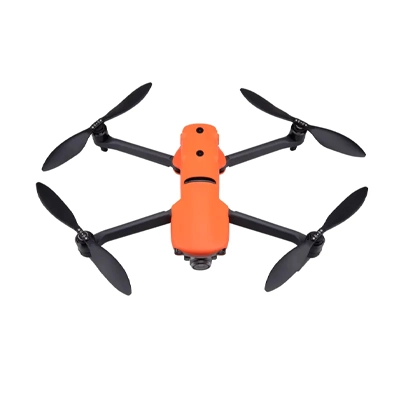
Autel
EVO II series

Watts Innovations
PRISM
Inspired Flight
IF1200A

Wispr
Ranger Pro

Other Ardupilot / PX4
Ardupilot/PX4 Multicopters

Other Ardupilot / PX4
Ardupilot/PX4 Helicopter

Other Ardupilot / PX4
APM Airplane

DJI
M100

DJI
Inspire 2

DJI
Inspire 1 / Pro / Raw

DJI
Mavic Pro

DJI
Phantom 3

Yuneec
H850 RTK

Arcsky
X55
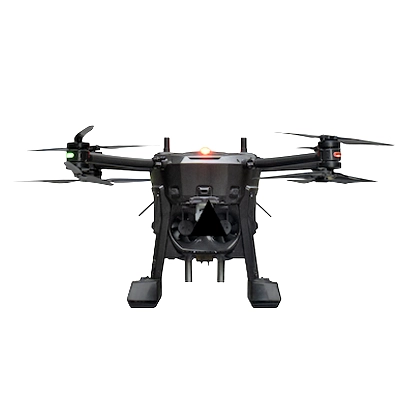
Xer Technologies
X8
Ainstein AI
US-D1
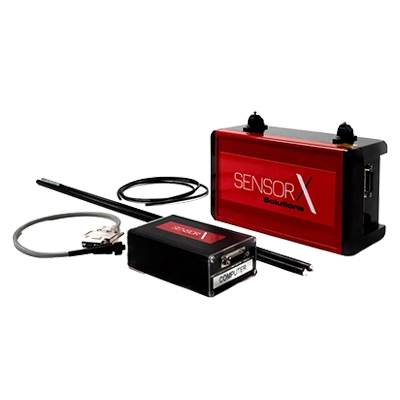
Axetris
FluX Aero Methane Sniffer
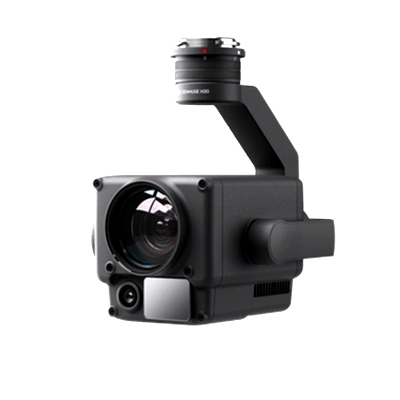
DJI
Zenmuse H20 Series
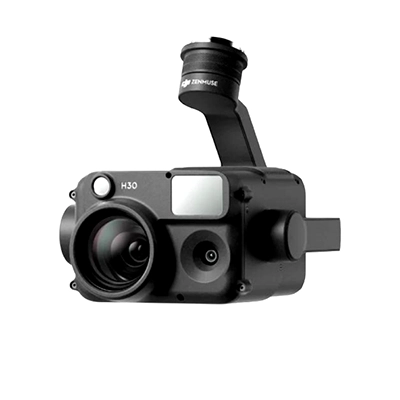
DJI
Zenmuse H30 Series
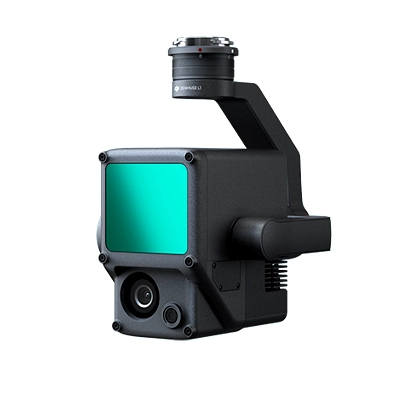
DJI
Zenmuse L1
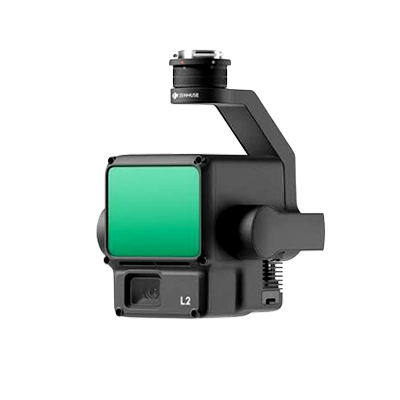
DJI
Zenmuse L2
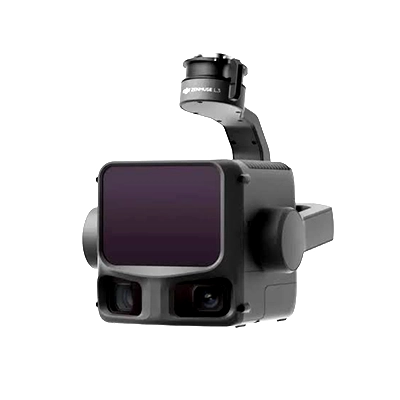
DJI
Zenmuse L3
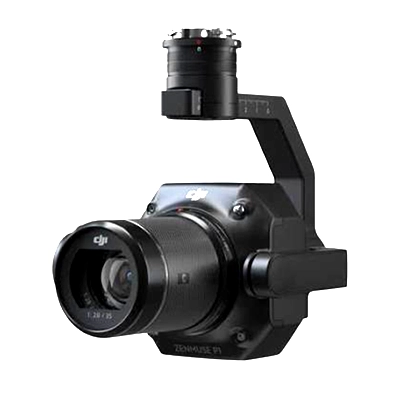
DJI
Zenmuse P1
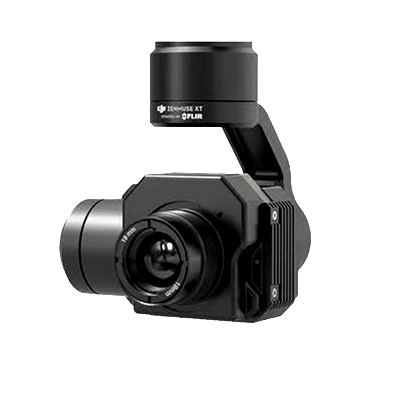
DJI
Zenmuse X/Z/XT Series
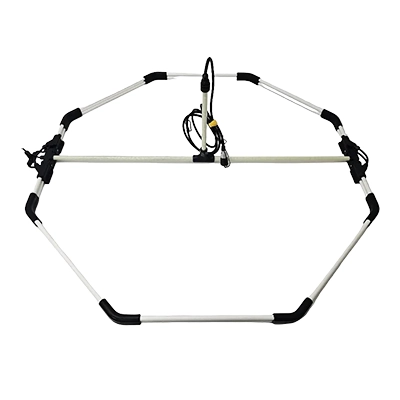
Ebinger
VEMOS AIR
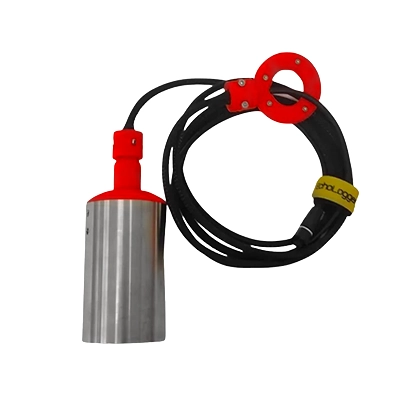
Echologger
ECT 400S
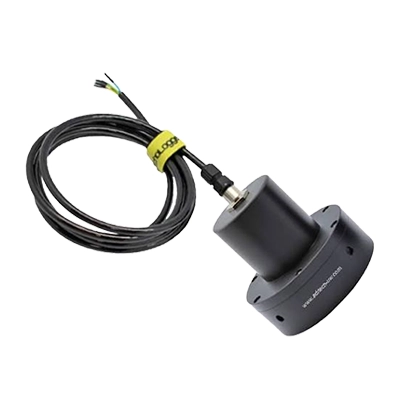
Echologger
ECT D032S
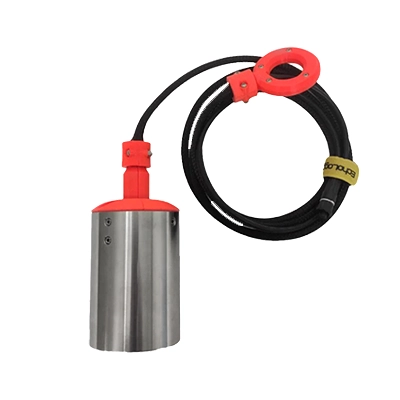
Echologger
ECT D052S
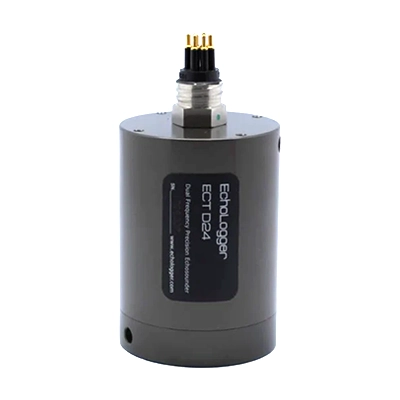
Echologger
ECT D24S
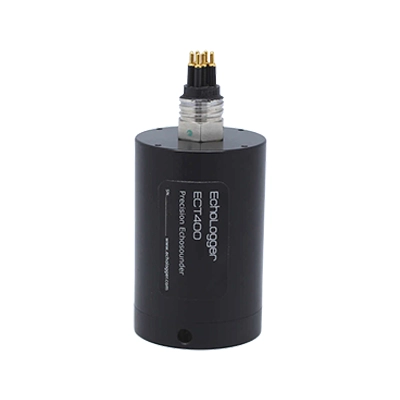
Echologger
ETF 400S
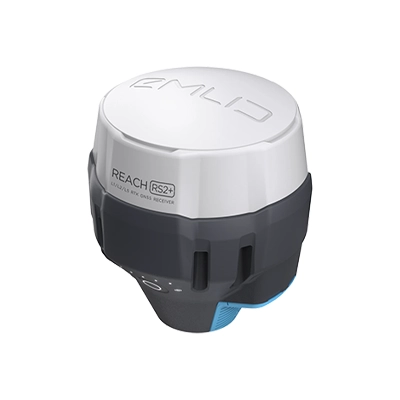
Emlid
Reach M2
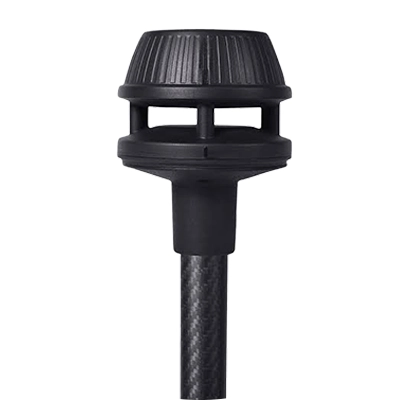
FT Technologies
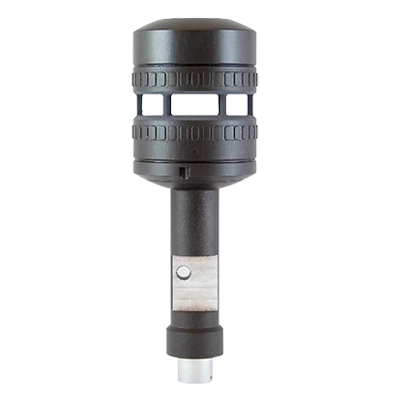
FT602 anemometer
FT Technologies
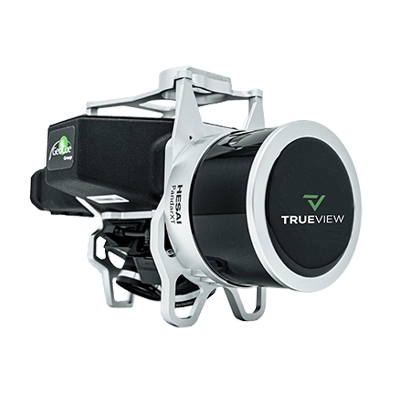
FT742 anemometer
GeoCue
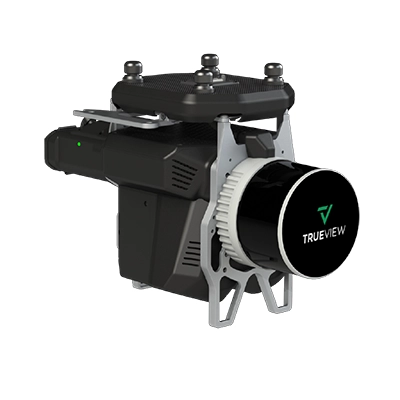
TrueView 515
GeoCue
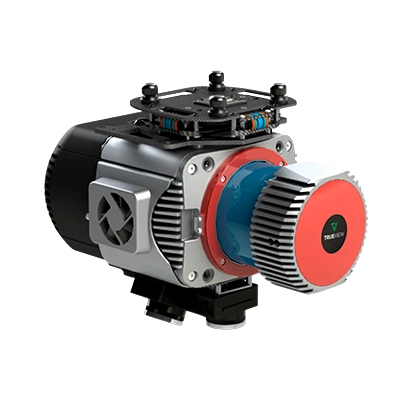
TrueView 535
GeoCue
TrueView 680 / 680LR
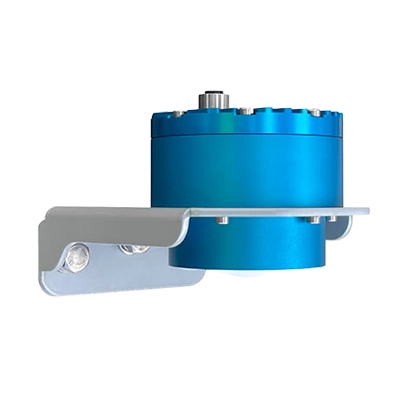
Geolux
LX-80
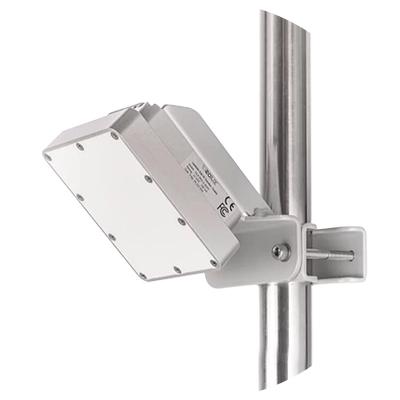
Geolux
RSS2-300W
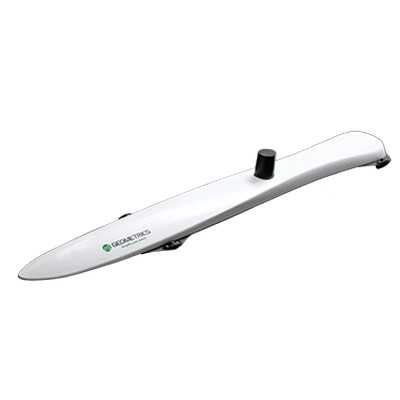
Geometrics
MagArrow Mk2 magnetometer
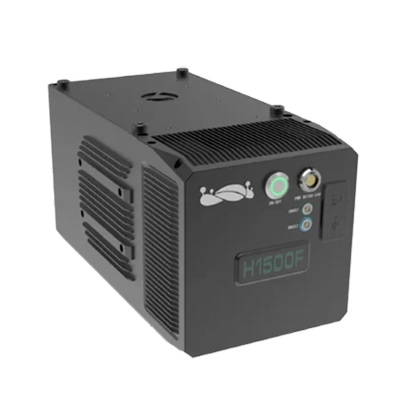
GreenValley
LiAir H1500
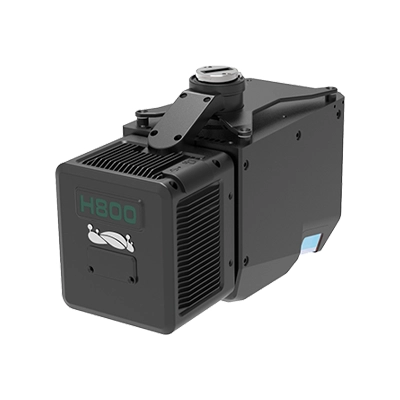
GreenValley
LiAir H800
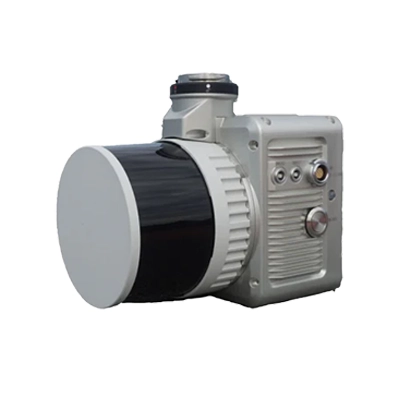
GreenValley
LiAir X3C-H
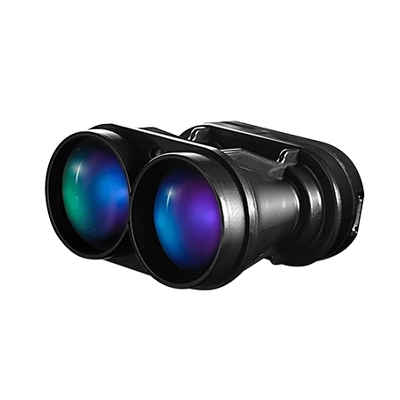
LightWare Lidar
SF30/D
Nanoradar
MR72 obstacles detector
Nanoradar
NRA24
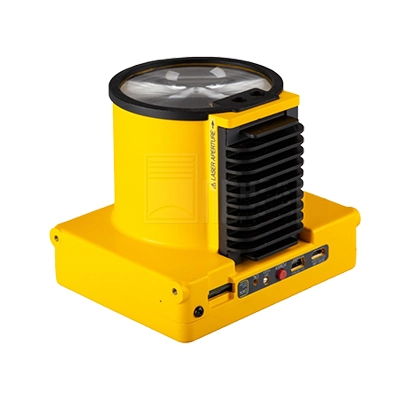
Pergam
Laser Falcon
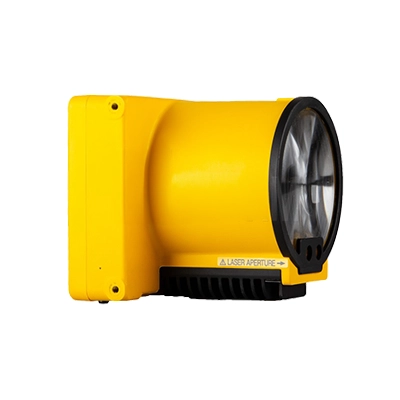
Pergam
Laser Falcon 2
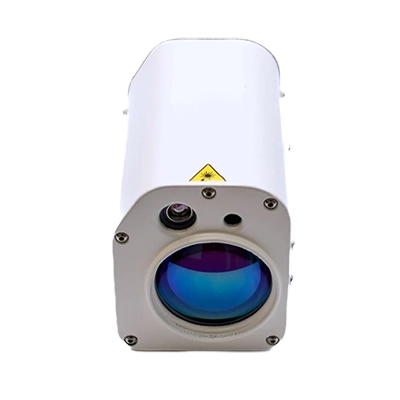
Pergam
Laser Falcon Plus
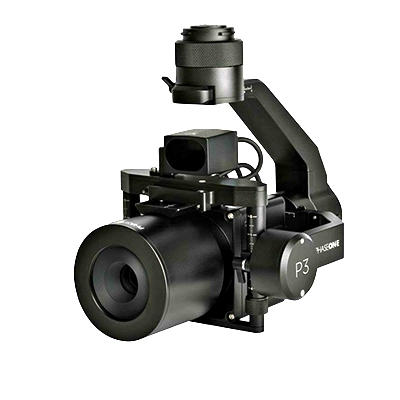
Phase One
P3
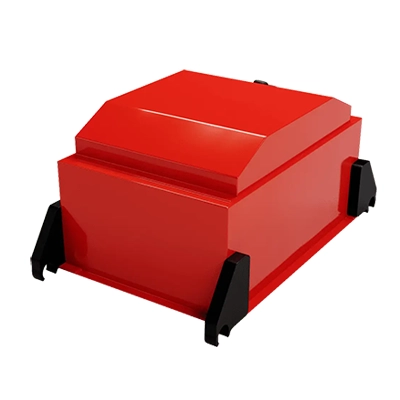
Radar Systems
Zond Aero 1000
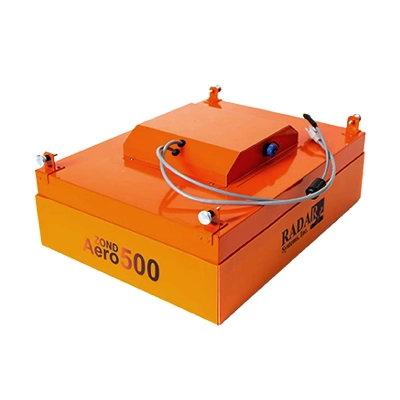
Radar Systems
Zond Aero 500
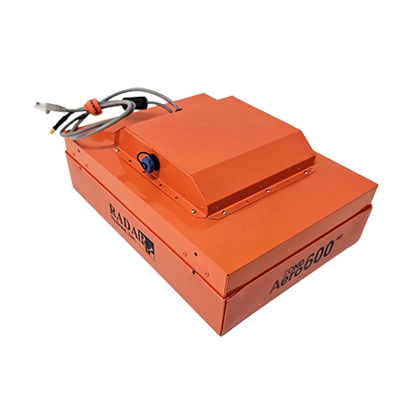
Radar Systems
Zond Aero 600
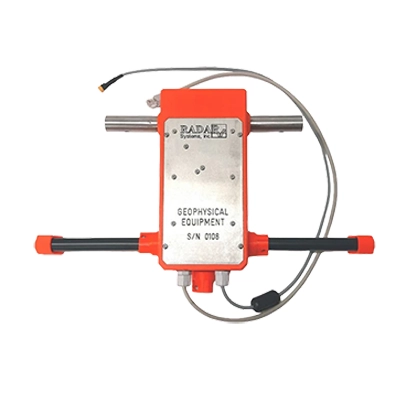
Radar Systems
Zond Aero LF & NG
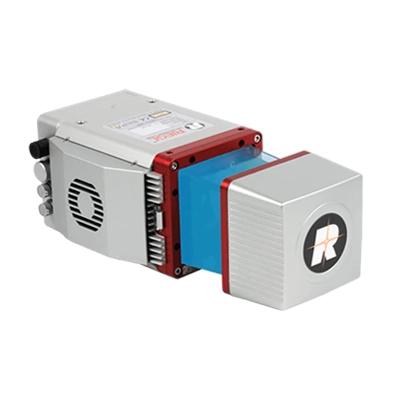
RIEGL
miniVUX-1UAV
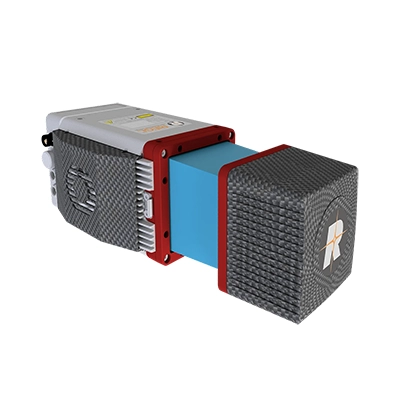
RIEGL
miniVUX-3UAV
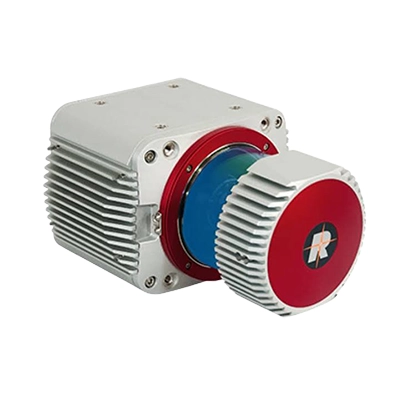
RIEGL
VUX-1UAV22
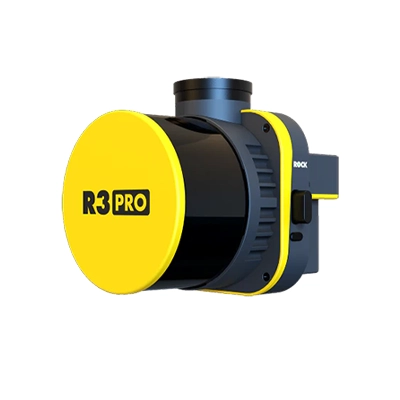
ROCK
R3 Pro V2
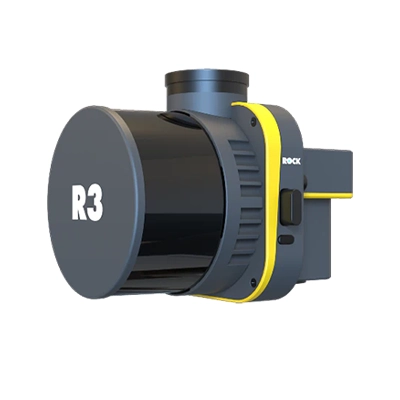
ROCK
R3 V2
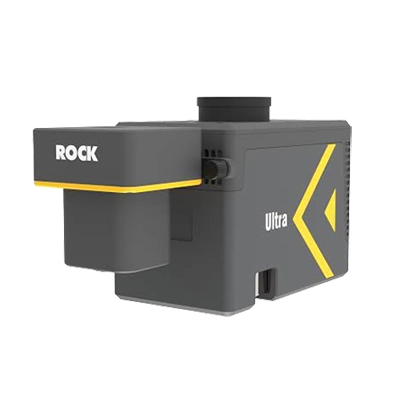
ROCK
Ultra
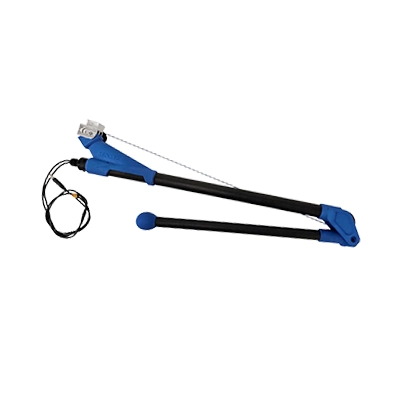
SENSYS
MagDrone R1
SENSYS
MagDrone R3 / R4
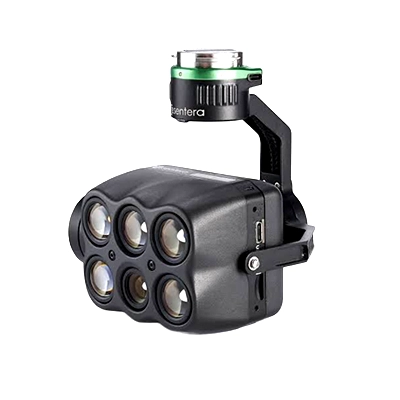
Sentera
6X
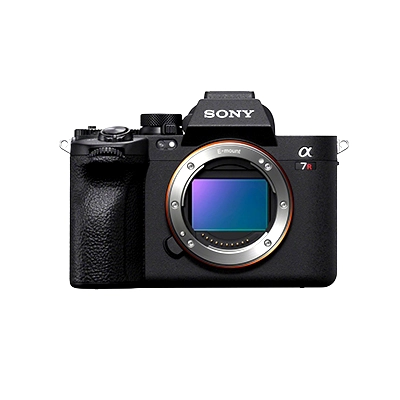
Sony
Sony A7R IV
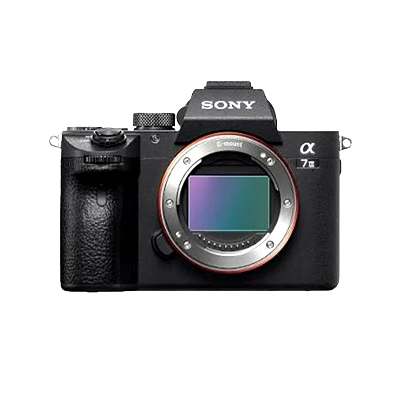
Sony
Sony ILCE
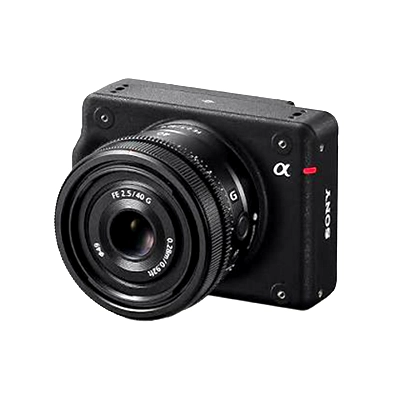
Sony
Sony ILX-LR1
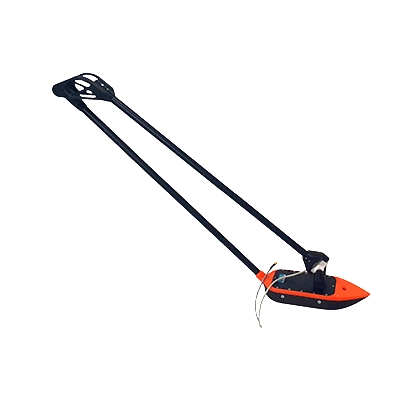
SPH Engineering
EchoNIMBUS MBES, with Cerulean Surveyor 240-16 sensor
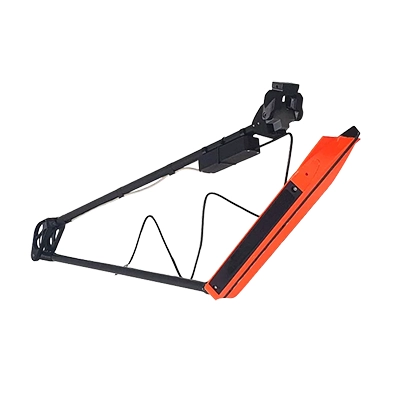
SPH Engineering
EchoNIMBUS SSS (with 2 * Cerulean Omniscan 450SS sensors)
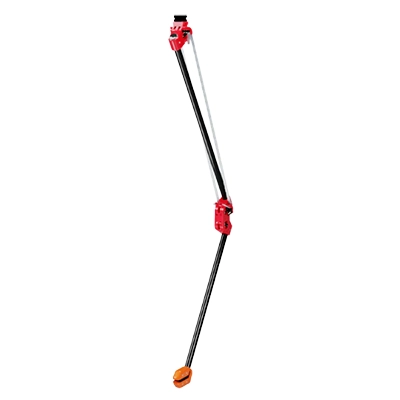
SPH Engineering
MagNIMBUS (with QuSpin Gen-2 magnetometer sensor)
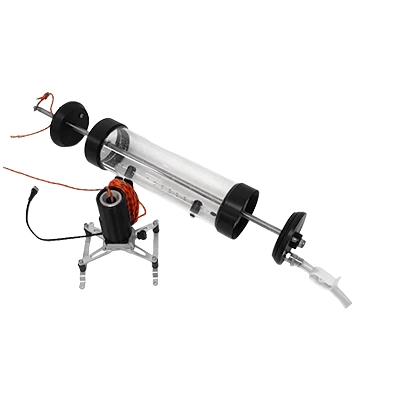
SPH Engineering
Water sampler messenger release device
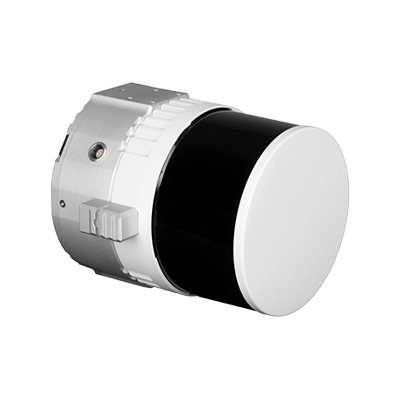
Topodrone
100
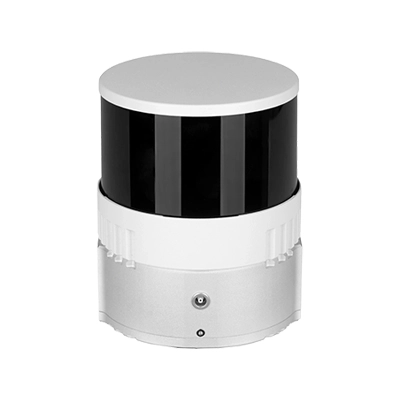
Topodrone
200+
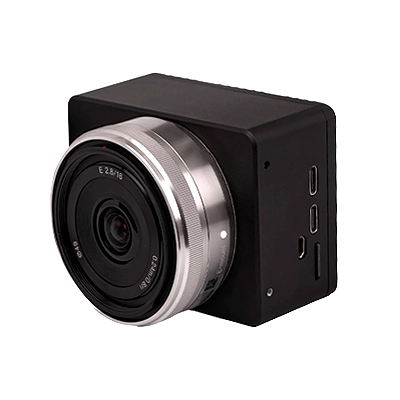
Topodrone
P24
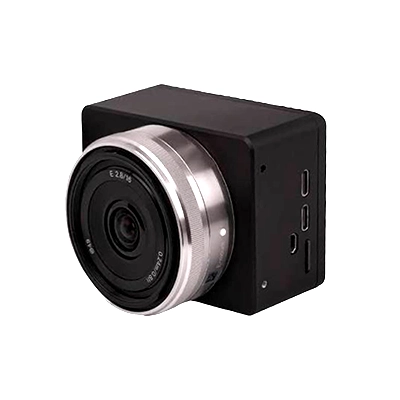
Topodrone
P61
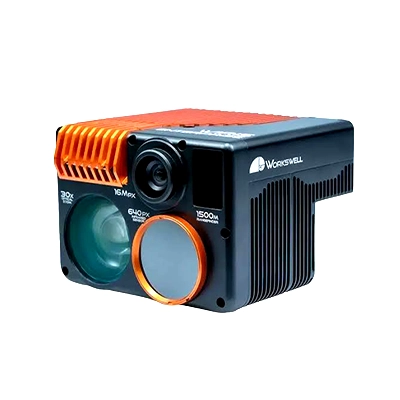
Workswell
WIRIS Enterprise
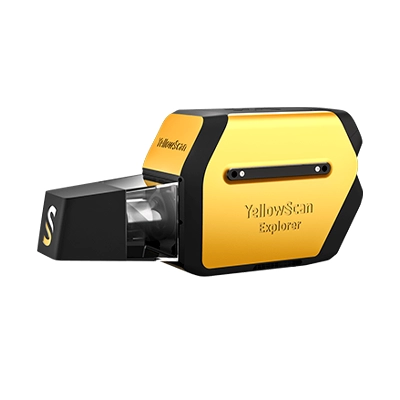
YellowScan
Explorer
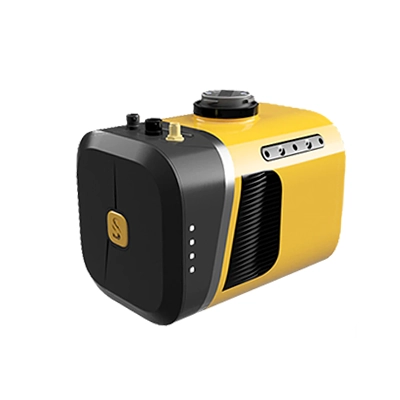
YellowScan
Mapper+
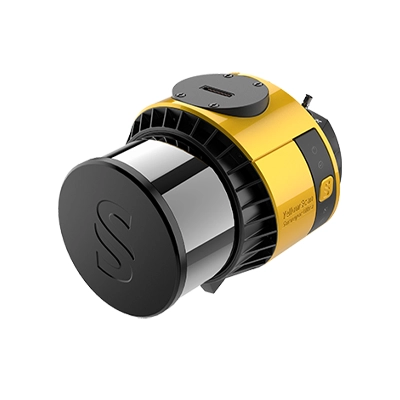
YellowScan
Surveyor Ultra
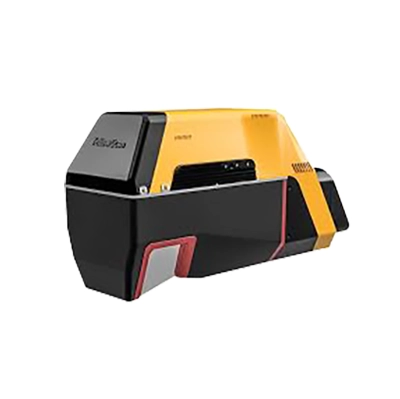
YellowScan
Voyager


UgCS has a free tier plus paid licenses, available either as a subscription or as a perpetual one-time license. UgCS Open is free, a higher tier adds the full LiDAR toolset, and an Enterprise license covers custom sensor integration, larger fleets, and proprietary workflows. Every paid license includes long-term software updates and direct support. Current pricing is on the pricing page.
Yes, UgCS Open is free and runs the same desktop planning workflow so you can evaluate the software properly. It caps you at two saved missions per day and 250 meters between the two furthest points of a route, while still including offline planning and a DJI Pilot 2 connection. Once you need to survey larger areas, run more missions, or use tools like corridor mapping and façade scanning, you move to a paid license.
Both options exist. You can pay as a subscription or buy a perpetual license that you own outright. Perpetual licenses include a first year of updates and support, and subscriptions include updates for as long as they stay active.
UgCS is desktop software that installs on Windows and macOS. All planning happens on the computer rather than a tablet or phone, and it runs fully offline once installed. A standard modern laptop handles most work, though large DEMs and heavy 3D scenes benefit from more RAM and a dedicated graphics card.
Yes. A UgCS license activates on one computer by default, and you can buy additional activations if you work across machines or have several pilots. For larger teams, Enterprise licensing handles multi-user deployments.
Yes. You can add a custom profile for Pixhawk-based aircraft, and the Enterprise license supports integrating proprietary sensors, connecting to enterprise software, and automating custom workflows. Common payloads from YellowScan, Riegl, RockRobotic, and the DJI L-series are supported out of the box.
UgCS handles flight planning and control, not data processing. It plans the mission, follows the terrain, and flies the drone, and you then process the collected LiDAR, imagery, or geophysical data in your usual software. SPH Engineering also offers DroneGIS for sharing flight plans and viewing results on an interactive map.
Yes. You can request a demo or talk to the UgCS team directly, and you can download UgCS Open to test the workflow yourself at no cost. There are no chatbots or ticket queues, so you reach the people who build and support the software, which makes it straightforward to confirm UgCS fits your drones, sensors, and project specs before choosing a license.


.webp)






.webp)
.webp)