
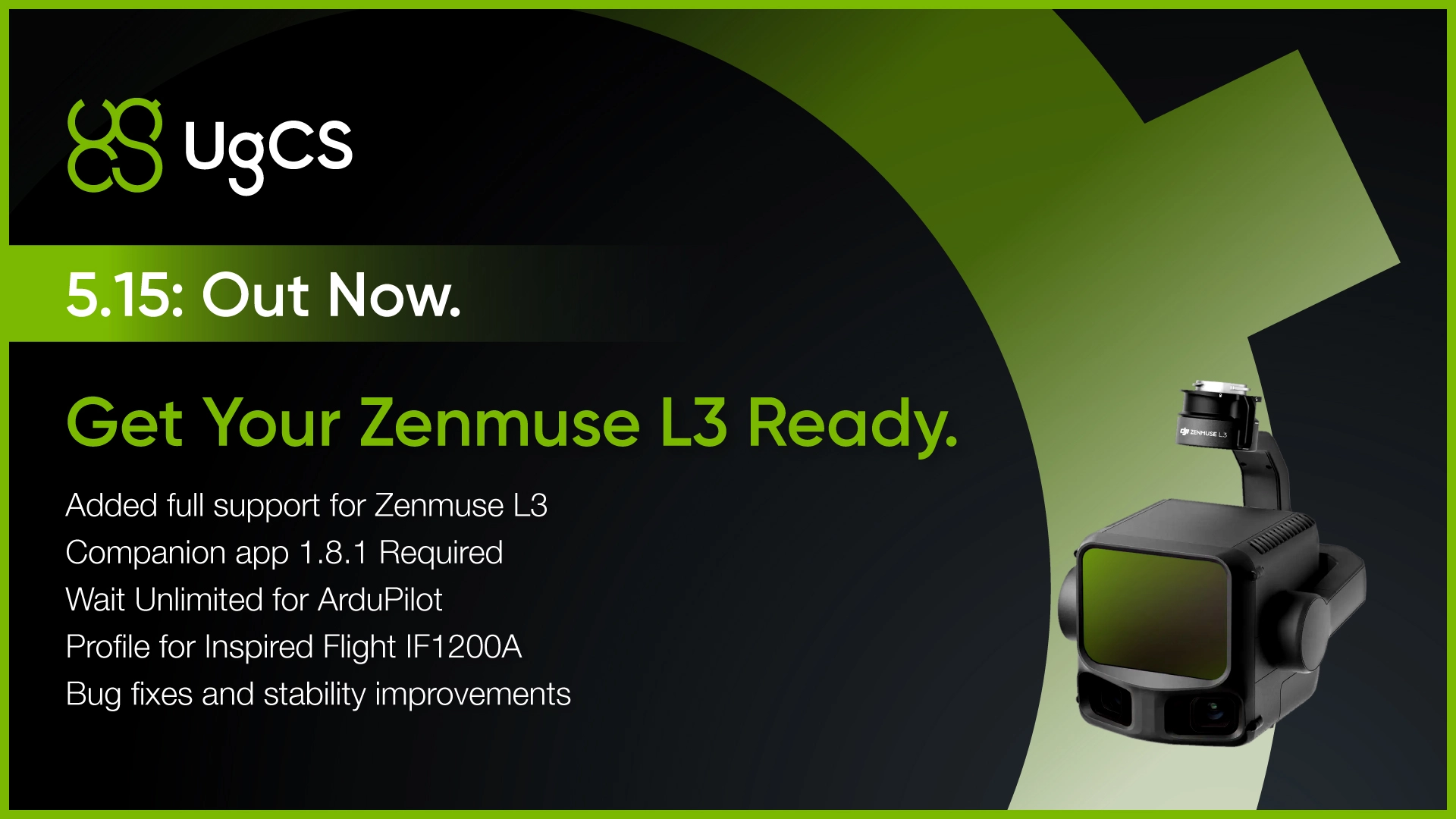
DJI's newest LiDAR payload is now fully supported in UgCS.
With UgCS 5.15, you can plan L3 missions the same way professional operators have been planning L1 and L2 flights: terrain-aware automation, desktop planning, and altitude control that goes beyond what DJI Pilot 2 offers.
What UgCS gives you for L3 missions
Terrain following at low altitude. UgCS supports terrain-following flight planning down to 8m AGL. For LiDAR operators who need higher point density, flying lower means better data quality.
Automated IMU calibrations. LiDAR sensors require calibration patterns before and during long flights. UgCS lets you build these directly into your mission plan.
Desktop mission planning. Complex LiDAR jobs often span multiple batteries and cover difficult terrain. UgCS runs on desktop with 3D visualization, elevation profiles, and multi-segment route management.
Offline capability. UgCS caches maps and elevation data so you can plan and execute missions without an internet connection.
Requirements
Zenmuse L3 support requires UgCS Companion App version 1.8.1 or newer.
Wait Unlimited for ArduPilot
This is the feature ArduPilot and Commander users have been requesting.
Wait Unlimited lets you program missions where drones take their positions and hold indefinitely. No countdown timer. No automatic continuation. Each aircraft waits until the operator manually issues a Continue command.
Why this matters
Coordinated drone missions require precise timing. Security drills, counter-UAS testing, and multi-drone operations all depend on aircraft launching or maneuvering together. Fixed wait times and manual overrides introduce timing errors.
With Wait Unlimited, you build the mission once. Each drone flies to its start position and holds. When you're ready, you issue Continue and the fleet executes together.
Use cases
Counter-UAS testing. Teams simulating drone threats against infrastructure can stage multiple aircraft and launch on command. This gives counter-UAS system operators realistic test scenarios with controlled timing.
Infrastructure security drills. Facilities running drone intrusion exercises can position aircraft and trigger the scenario when all systems are ready.
Multi-drone coordination. Any operation requiring synchronized drone movements benefits from manual launch control instead of countdown timers.
Inspired Flight IF1200A Profile
UgCS 5.15 adds a dedicated profile for the Inspired Flight IF1200A, a U.S.-manufactured enterprise drone designed for defense, public safety, and industrial applications.
This continues UgCS expansion of non-DJI drone support. UgCS works across platforms including DJI, ArduPilot, and PX4, so operators aren't locked into a single manufacturer's ecosystem.
For organizations operating in sectors where DJI alternatives are required or preferred, UgCS provides professional flight planning without forcing you to change your workflow.
Bug Fixes and Stability Improvements
UgCS 5.15 addresses reported issues and improves overall application stability.
Download UgCS 5.15
UgCS 5.15 is available now as a free download.
The free version includes core planning features with a daily route limit. UgCS Pro and Expert licenses remove limits and unlock advanced tools like LiDAR automation, corridor mapping, and multi-drone support.
Already running UgCS Pro or Expert? Your update is waiting in the client.
Questions?
Join the UgCS community on Facebook or contact UgCS's Support Team »»»